

Skip to content
View in the app

A better way to browse. Learn more.

W3D Hub

A full-screen app on your home screen with push notifications, badges and more.

To install this app on iOS and iPadOS
  1. Tap the Share icon in Safari
  2. Scroll the menu and tap Add to Home Screen.
  3. Tap Add in the top-right corner.
To install this app on Android
  1. Tap the 3-dot menu (⋮) in the top-right corner of the browser.
  2. Tap Add to Home screen or Install app.
  3. Confirm by tapping Install.

C&C_SiegeDB.mix 1.0.1

(0 reviews)

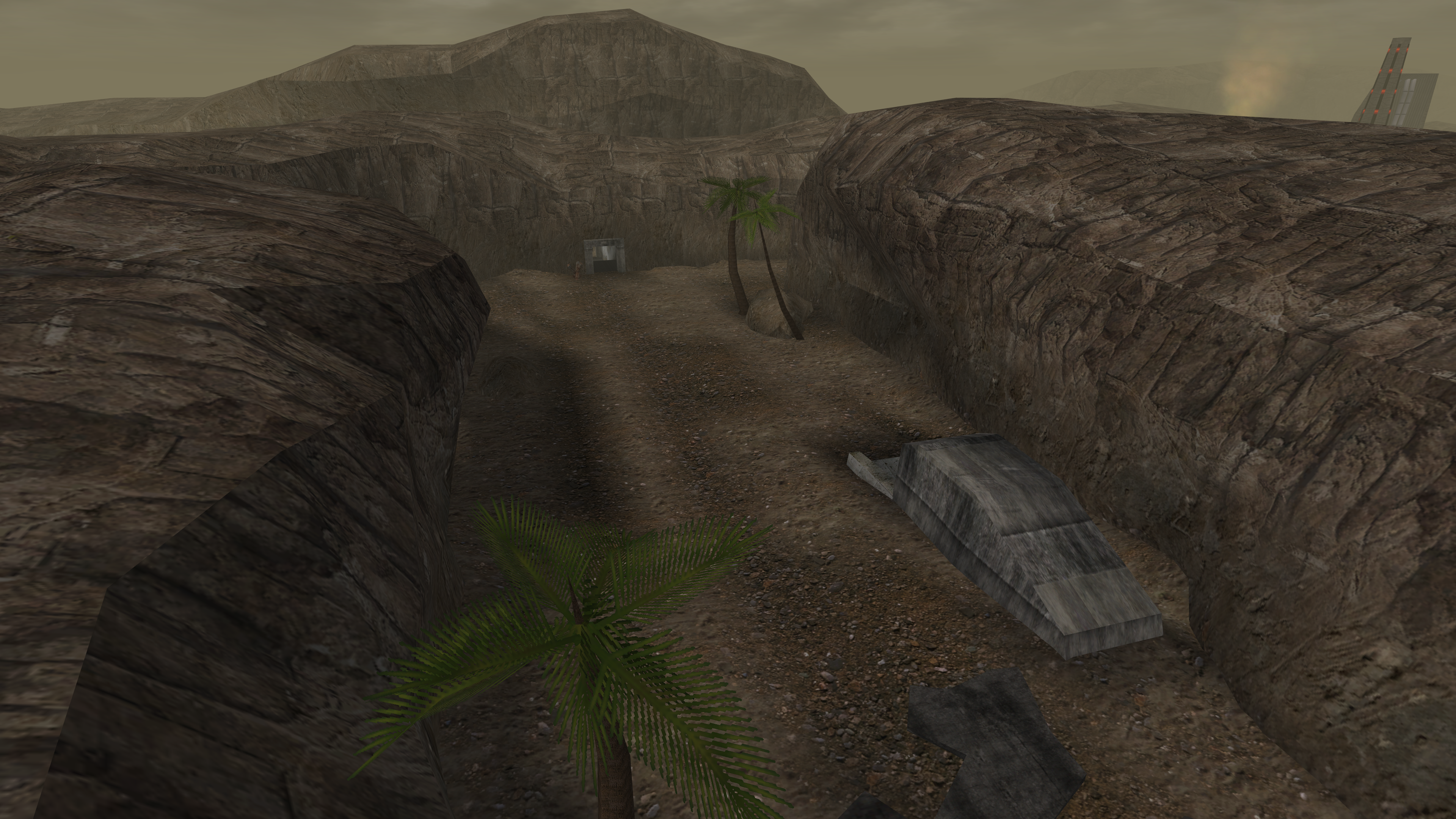
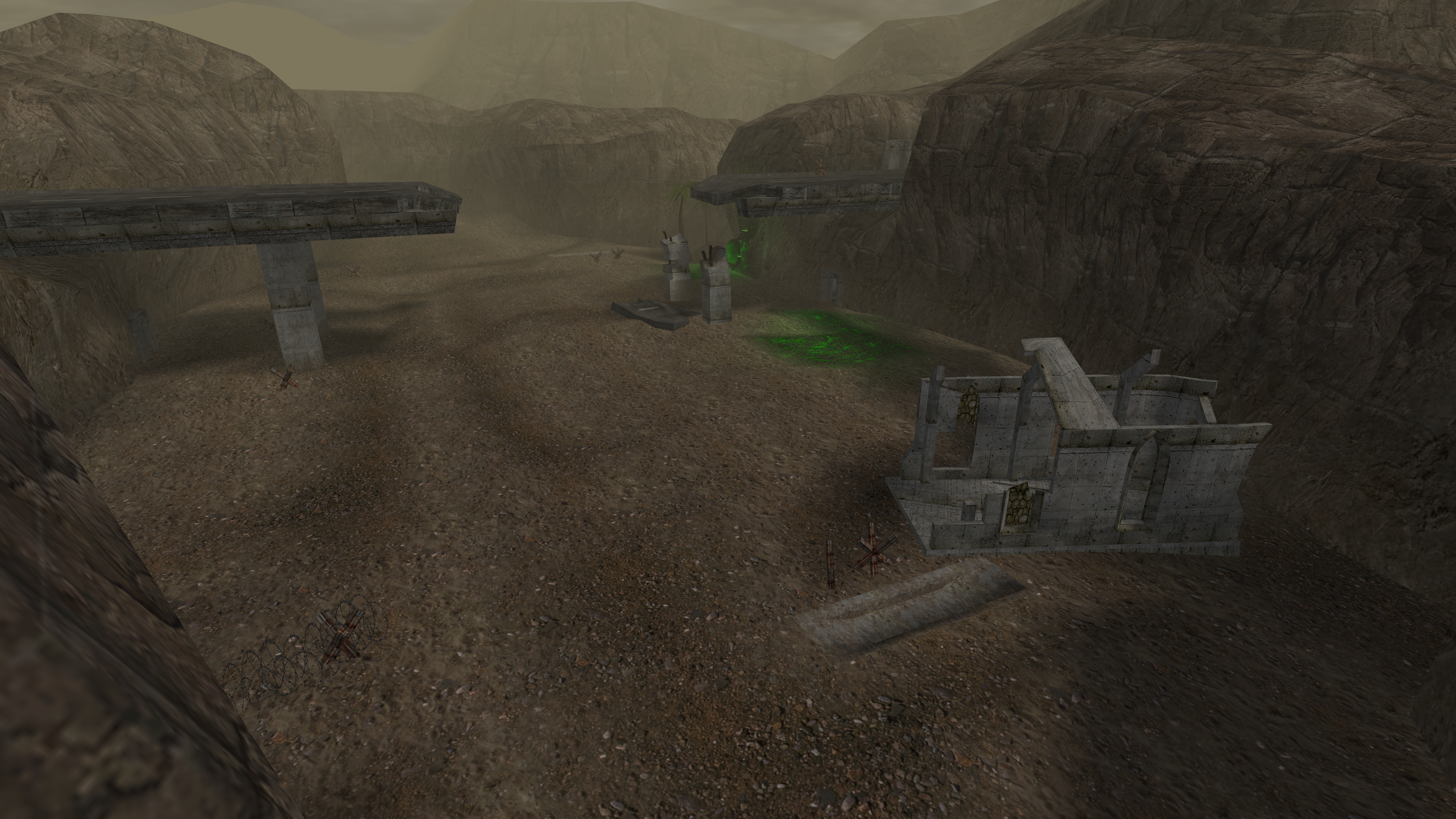
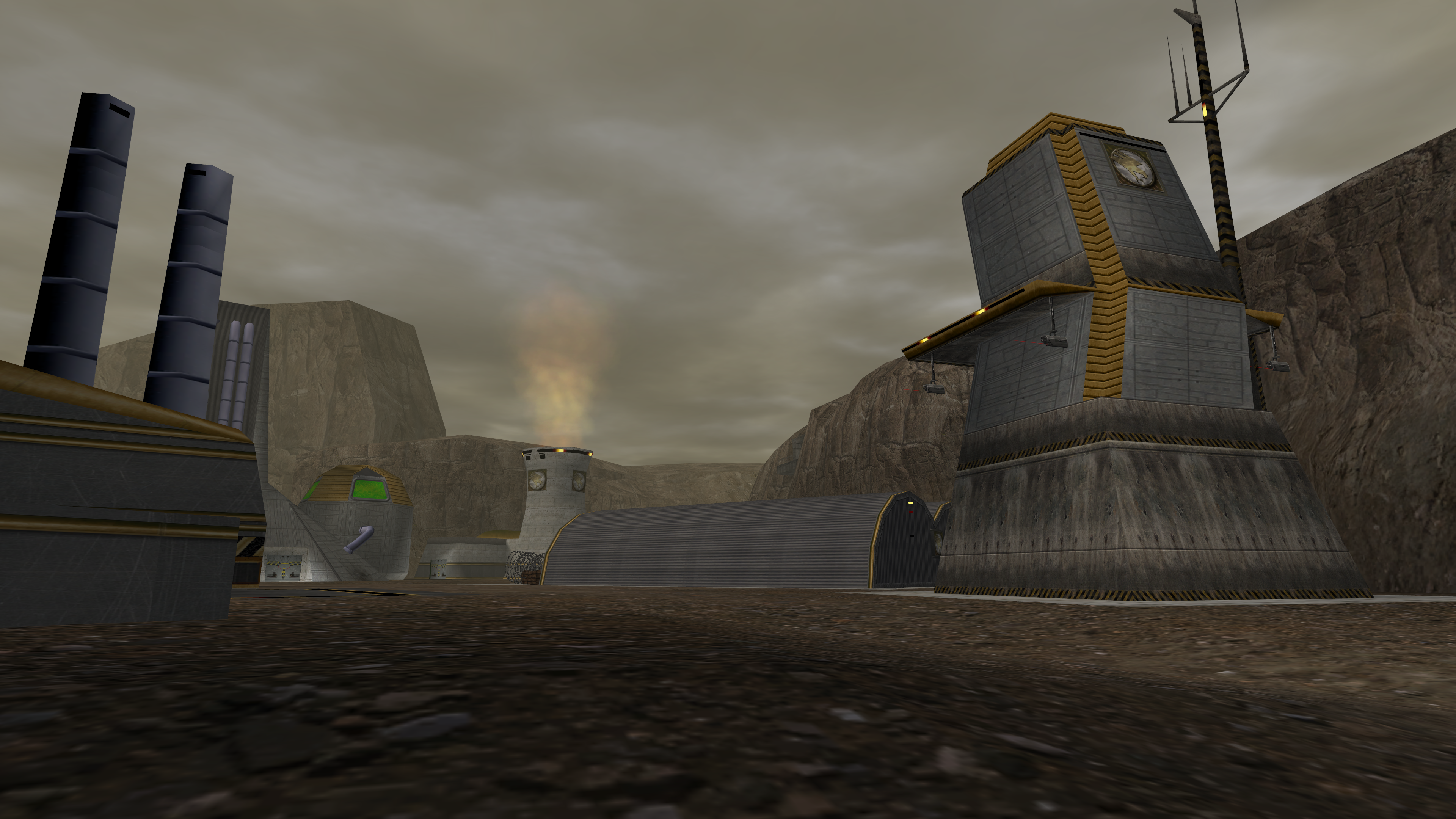
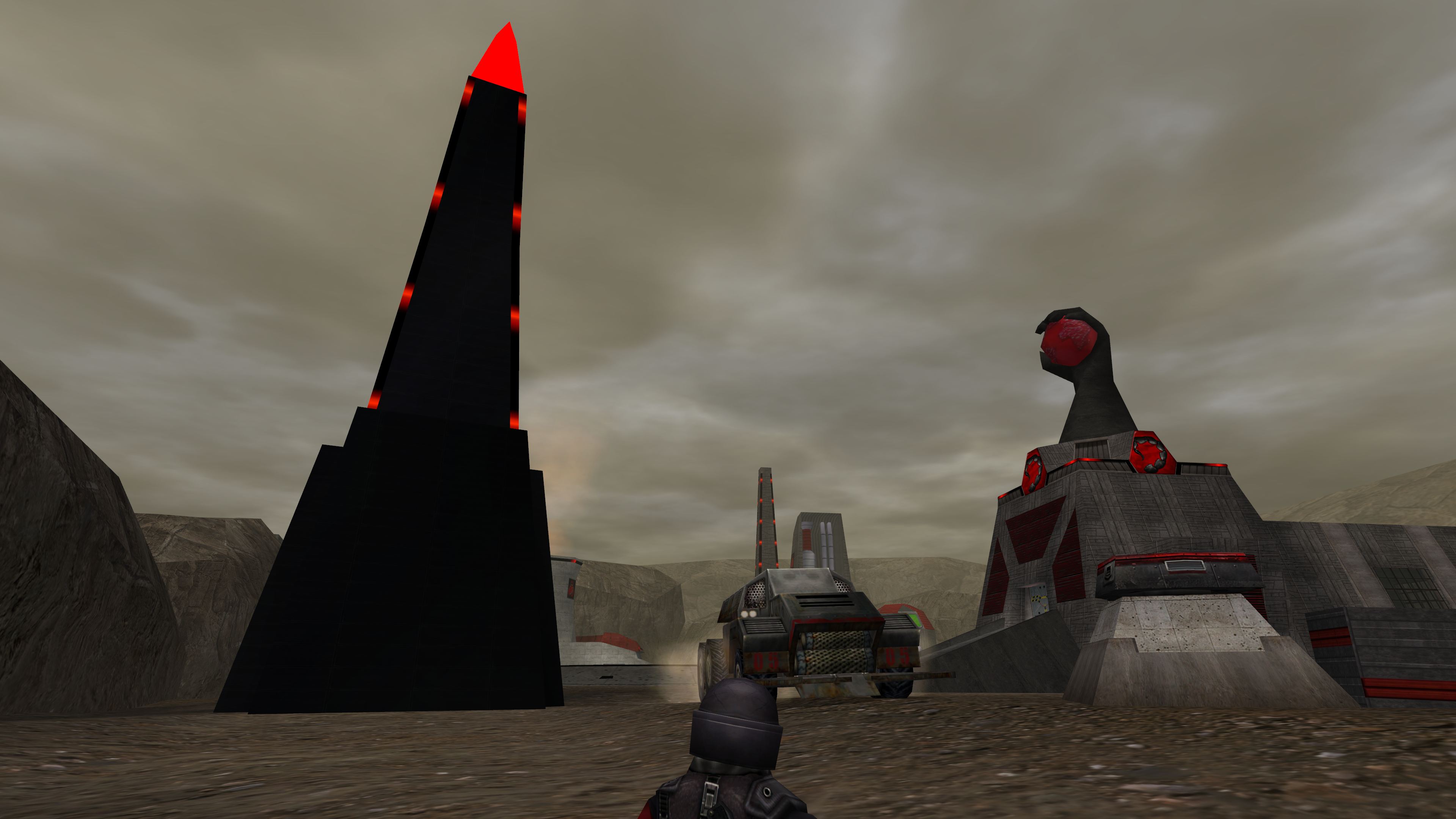
4 Screenshots

Classic Map fixed by dblaney1.

Changelog:
Fixed tunnel entrance meshes to have non-broken collisions. 
Generated VIS and added hundreds of manual vis points to reduce VIS glitches. 
Pathfind is compatible with upcoming 4.7 bots. Bots can enter and exit buildings properly. 
Added lightscapes to the tunnels to match the light props that were on the map.
Added green glow to the tiberium fields. 
Added crate spawners so that servers that use them may do so.
Harvesters waypaths are configured so that they aren't obstructed by newly purchased vehicles. Interval between harvester loads is equal for both teams.
 

What's New in Version 1.0.1

Released

Fix a few vis issues and tweak lighting to match original a bit more. Fix ID collisions. 

C&C_SiegeDB.mix

User Feedback

You may only provide a review once you have downloaded the file.

There are no reviews to display.

Account

Navigation

Search

Search

Configure browser push notifications

Chrome (Android)
  1. Tap the lock icon next to the address bar.
  2. Tap Permissions → Notifications.
  3. Adjust your preference.
Chrome (Desktop)
  1. Click the padlock icon in the address bar.
  2. Select Site settings.
  3. Find Notifications and adjust your preference.