


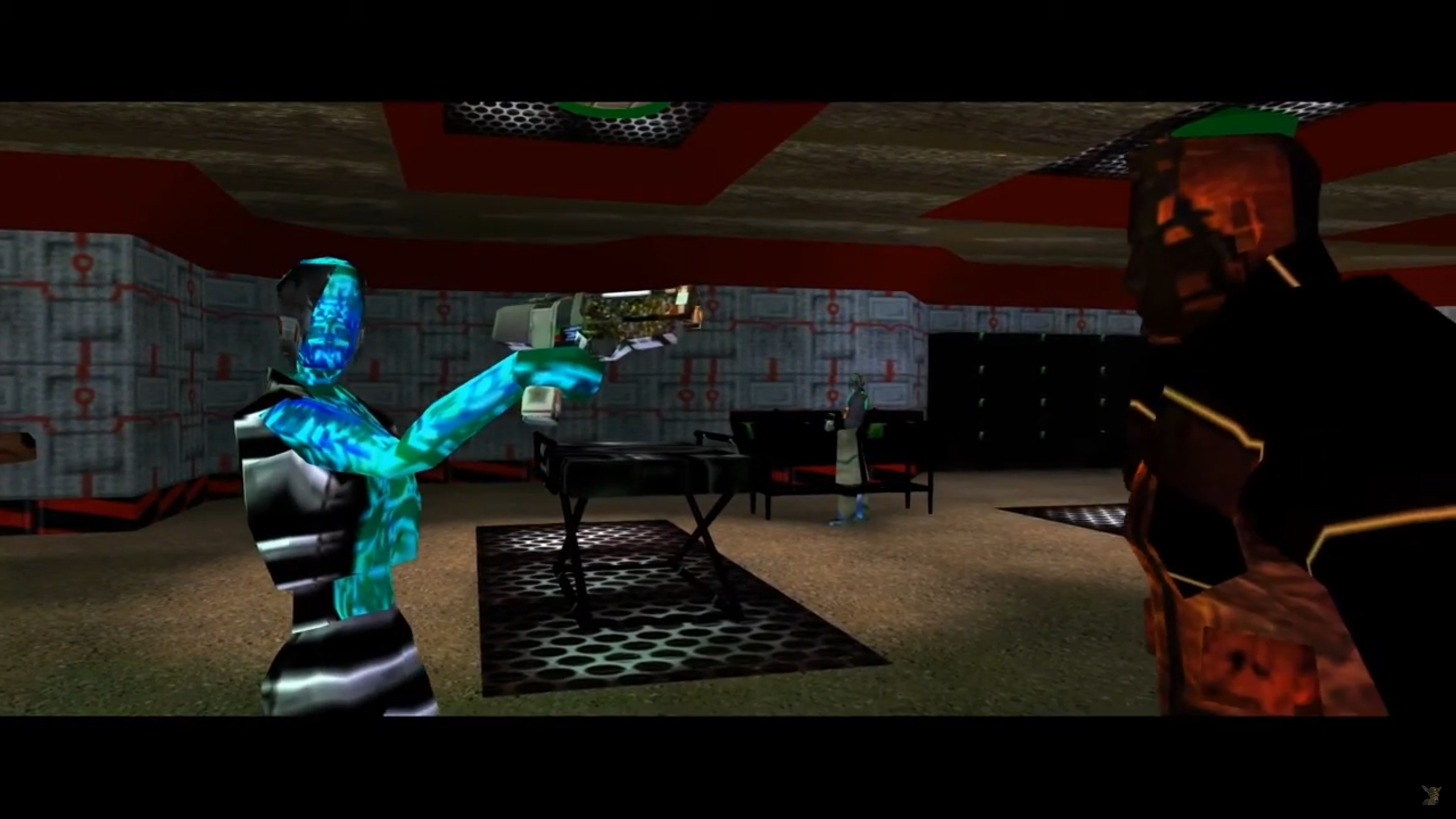
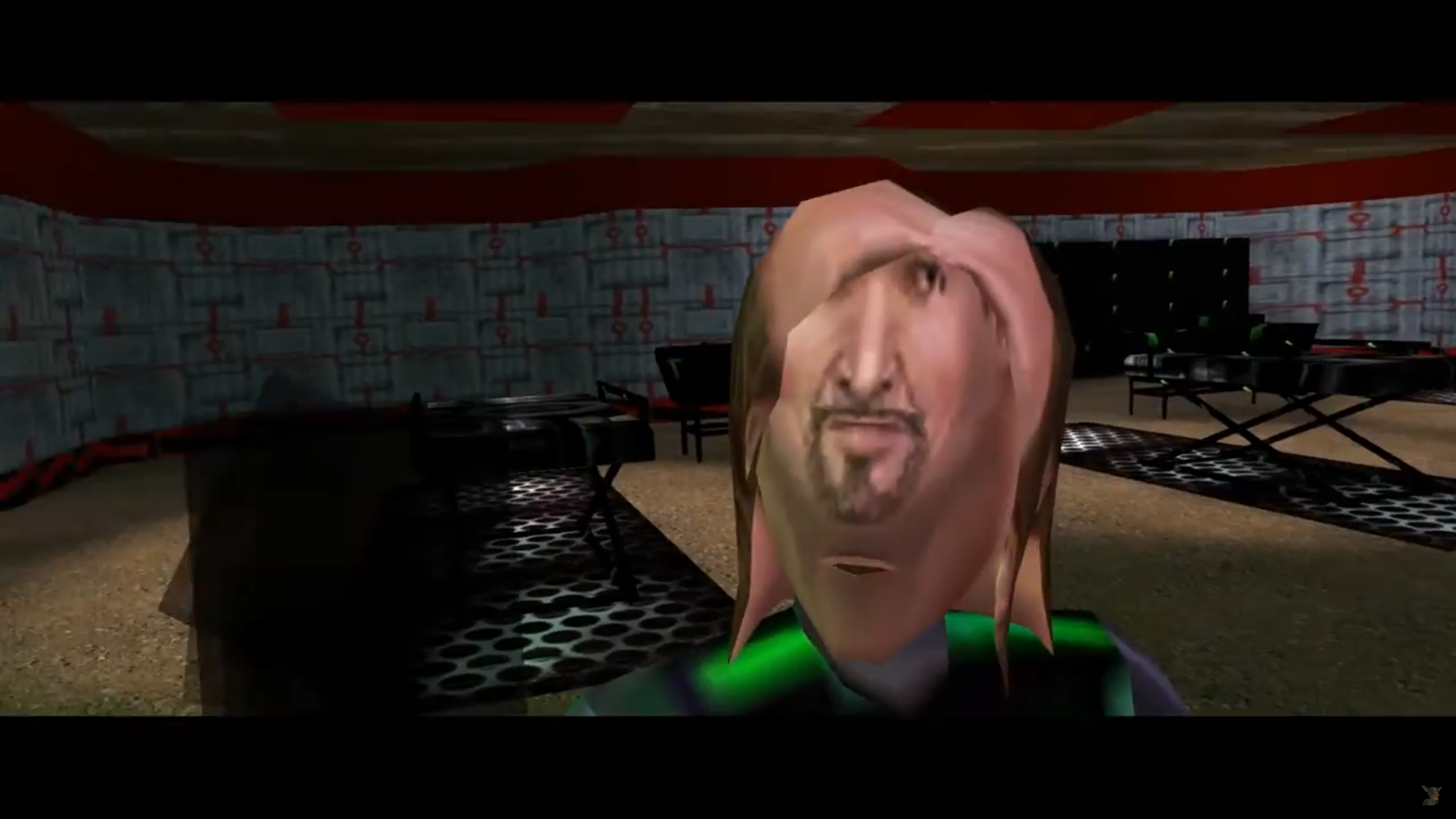

Have you gotten tired of the same old C&C Renegade? Why not make things a bit chaotic!
Config Overview:
; The directory of the clean un-mixed Renegade files
SOURCE_DIRECTORY "C:\Program Files (x86)\XCC\Utilities\Renegade"
; The directory that the mixed files should be written out to
OUTPUT_DIRECTORY "C:\Westwood\Renegade - Copy\Data"
RAND_SEED_OVERRIDE -1 ; The seed to use to randomize the textures, -1 allows for random at app launch
MIX_DDS_FILES YES ; Should .DDS files be mixed
MIX_TGA_FILES YES ; Should .DDS files be mixed
MIX_WAV_FILES YES ; Should .WAV files be mixed
MIX_MP3_FILES YES ; Should .MP3 files be mixed
MIX_TXT_FILES NO ; Should .TXT files be mixed (WARNING: This can be game breaking)
IGNORE_RETICLE_CURSOR YES ; Should textures for the mouse pointer and reticle be ignored
IGNORE_HUD_FILES YES ; Should textures used for the HUD be ignored
IGNORE_DAZZLE_FILES YES ; Should textures used for the dazzle effects be ignored
IGNORE_FONT_FILES YES ; Should textures used for the fonts be ignored
CHAOS_REDUCTION YES ; HUD, loading screens, and objective pogs will be filtered out of the texture pool
; Use the following to reduce the chaos further
; EXCLUDE Exclude these files from the mix
; INNER_MIX Only mix the files in this grouping
; FULLMIX Mix them with all the rest of the textures/sounds
MIX_VOICES_AND_SOUNDS INNER_MIX ; Mix standard named dialog files be mixed with all the other sounds.
MIX_WITH_POWERUP_TEXTURES INNER_MIX ; Mix the texture powerups in with all the other textures.
MIX_WITH_VEHICLE_TEXTURES INNER_MIX ; Mix the vehicle textures in with all the other textures.
MIX_WITH_WEAPONS_TEXTURES INNER_MIX ; Mix the weapon textures in with all the other textures.
MIX_WITH_CHARACTER_TEXTURES INNER_MIX ; Mix the character textures in with all the other textures.
REUSE_ALL_TEXTURES NO ; Allow the textures that were used in the previous categories to show up again in other spots.
REUSE_ALL_SOUNDS YES ; Allow the sounds that were used in the previous categories to show up again in other spots.
You may only provide a review once you have downloaded the file.
There are no reviews to display.