

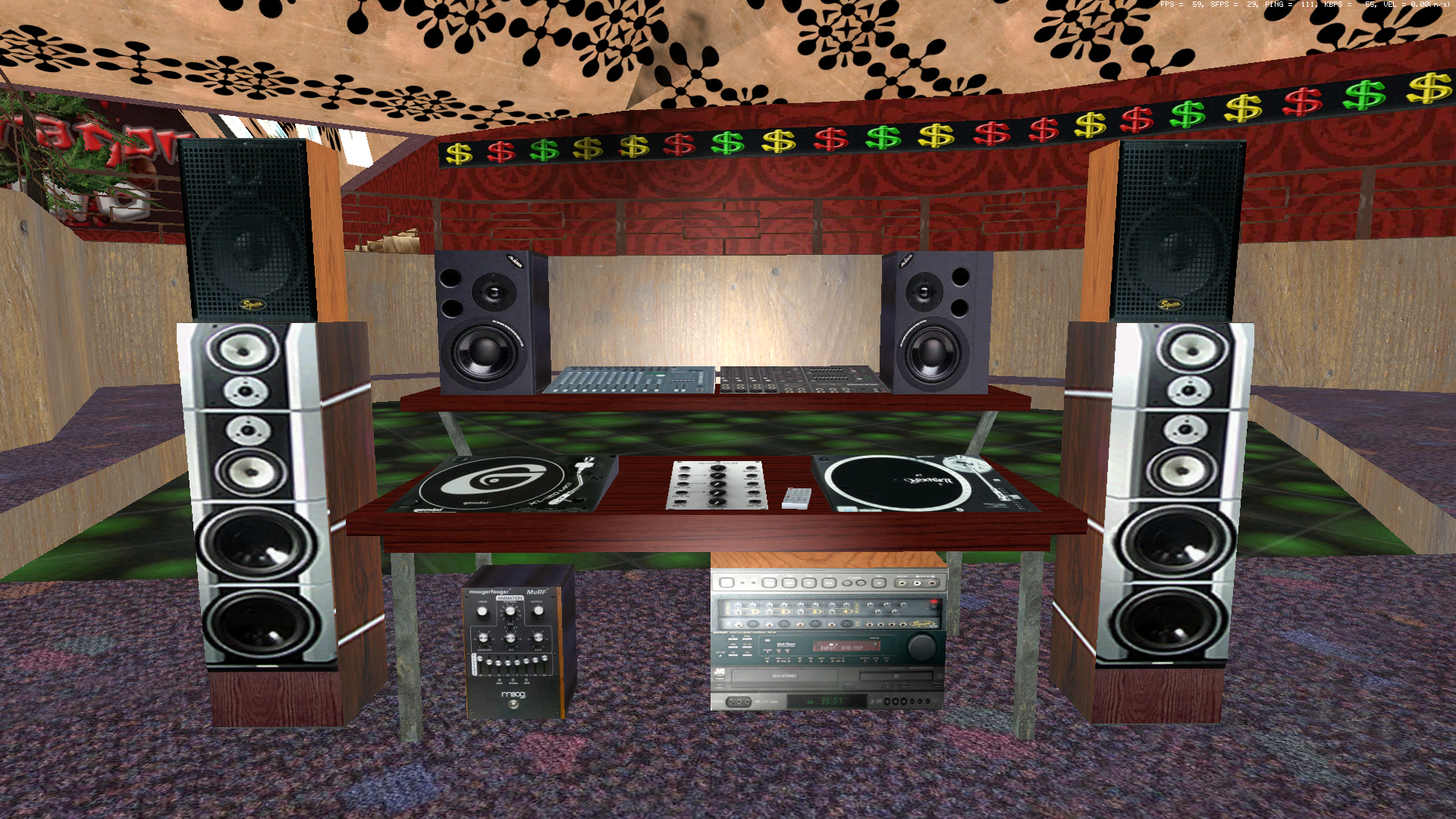
This sound pack for ECW aims to improve and remaster a majority of primary sounds that ECW utilizes. Unfortantely, a lot of the sounds files use low frequency audio (12,500 Hz - 20,000 Hz) that degrades quality which could be due to the age of when the game was made or simply what was avaliable at the time. However, the files included in here help to fix the problem with fully replaced sounds, audio that has been re-edit'd in audacity/filter'd through various plugin's, more detailed audio and direct sound files from other games in their crystal clear 48,000 HZ format instead of what was originally an in-game recording from earlier times. It's my hope to continue this to the point of ensuring a complete revamp of ECW sound files including specfic radio stations much like GTA. Enjoy!
What's New in Version 1.2.0
Released
I'd like to announce my 2nd radio station for the ECW sound mod i'm working on. The idea here is to make it so ECW has "Custom Radio Stations" much like GTA. With each radio station giving the listener a different "Flavor" of music.
Today Y2K brings you Bricktop Radio. Join your host Y2K as he travels through the alleyways of the streets with and old school hip hop playlist. Full radio is on Track 9.
You may only provide a review once you have downloaded the file.
There are no reviews to display.