


Silverlight
Staff
-
Joined
-
Last visited
Everything posted by Silverlight
-
Results after playing for +7 hours... XD


 Oh man, I hope someone does! It was amazing. XDwai u give me awayzI have no idea why the screenshots look like this... Looking for someone? So this is where you hide... Clan mates... Hello? I'm sure you mean no harm...


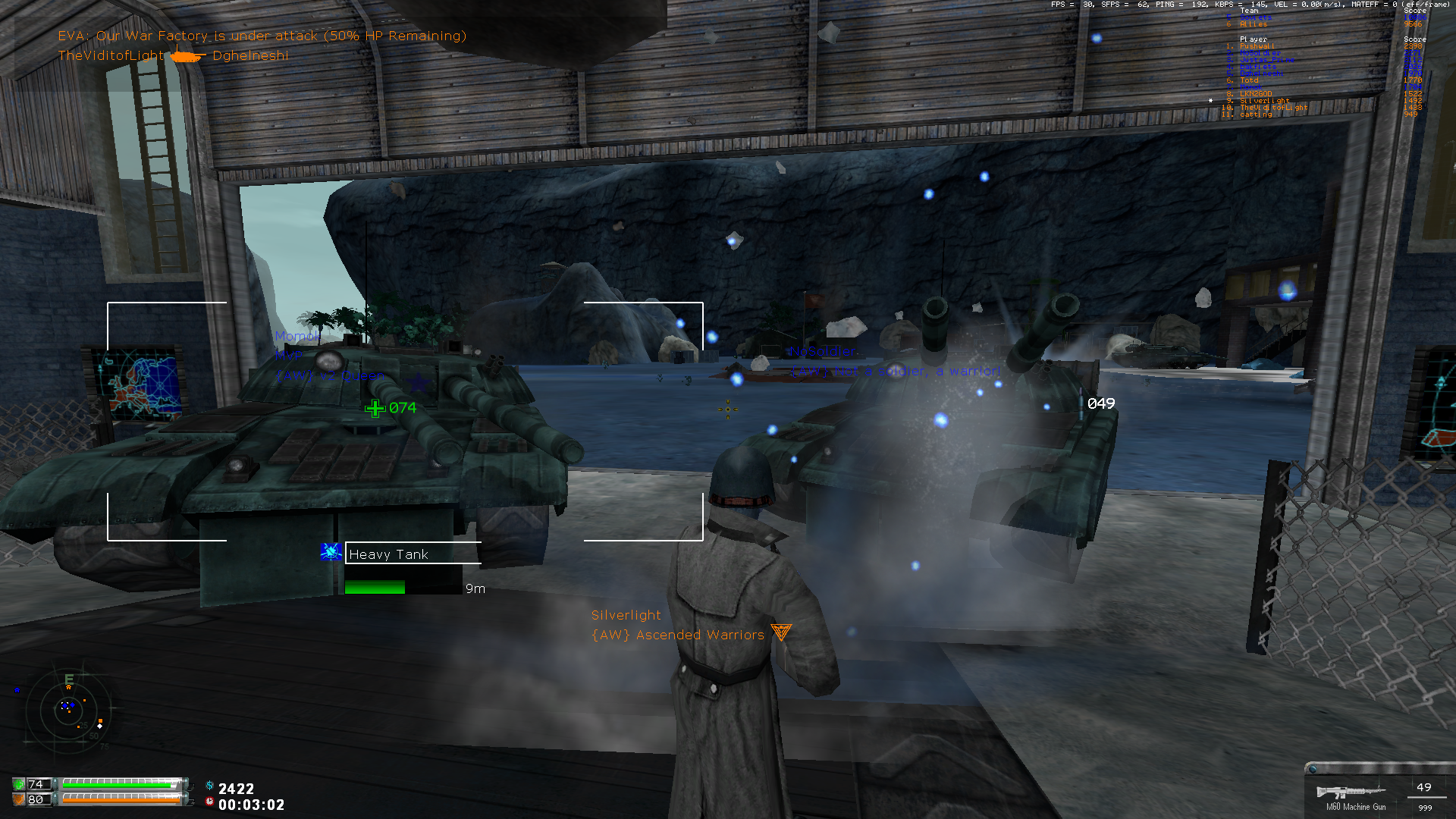
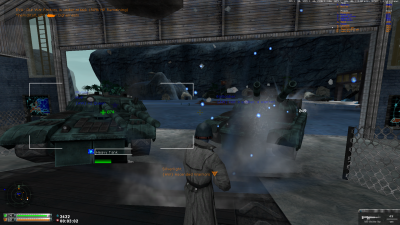 But it's the end of the madness series.Haha, 1,000 kills... makes me want to play TF2.Haha, I remember that game... ... ...Thanks man!Cheter! xDIt's a very efficient transport! It gets ignored by mostly everyone. D:Good job! XDSorry, I've been too lazy to post them here but I have like 400 screenshots on Steam. xD


 *Whistles*Hahahahahahahaha, my stomach hurts.+ free points. Also, more

 Yes it is!I didn't get the headshot and you shot me back but I ended up killing you






Account
Navigation
Search
Configure browser push notifications
Chrome (Android)
- Tap the lock icon next to the address bar.
- Tap Permissions → Notifications.
- Adjust your preference.
Chrome (Desktop)
- Click the padlock icon in the address bar.
- Select Site settings.
- Find Notifications and adjust your preference.
Safari (iOS 16.4+)
- Ensure the site is installed via Add to Home Screen.
- Open Settings App → Notifications.
- Find your app name and adjust your preference.
Safari (macOS)
- Go to Safari → Preferences.
- Click the Websites tab.
- Select Notifications in the sidebar.
- Find this website and adjust your preference.
Edge (Android)
- Tap the lock icon next to the address bar.
- Tap Permissions.
- Find Notifications and adjust your preference.
Edge (Desktop)
- Click the padlock icon in the address bar.
- Click Permissions for this site.
- Find Notifications and adjust your preference.
Firefox (Android)
- Go to Settings → Site permissions.
- Tap Notifications.
- Find this site in the list and adjust your preference.
Firefox (Desktop)
- Open Firefox Settings.
- Search for Notifications.
- Find this site in the list and adjust your preference.