Skip to content
View in the app

A better way to browse. Learn more.

W3D Hub

A full-screen app on your home screen with push notifications, badges and more.

To install this app on iOS and iPadOS
  1. Tap the Share icon in Safari
  2. Scroll the menu and tap Add to Home Screen.
  3. Tap Add in the top-right corner.
To install this app on Android
  1. Tap the 3-dot menu (⋮) in the top-right corner of the browser.
  2. Tap Add to Home screen or Install app.
  3. Confirm by tapping Install.

Northern section of To The Core map being non-chronoshiftable.

  • Version: 3.5.2.1
  • Fixed
  • Severity: High
  • Game Area: Vehicles

Description

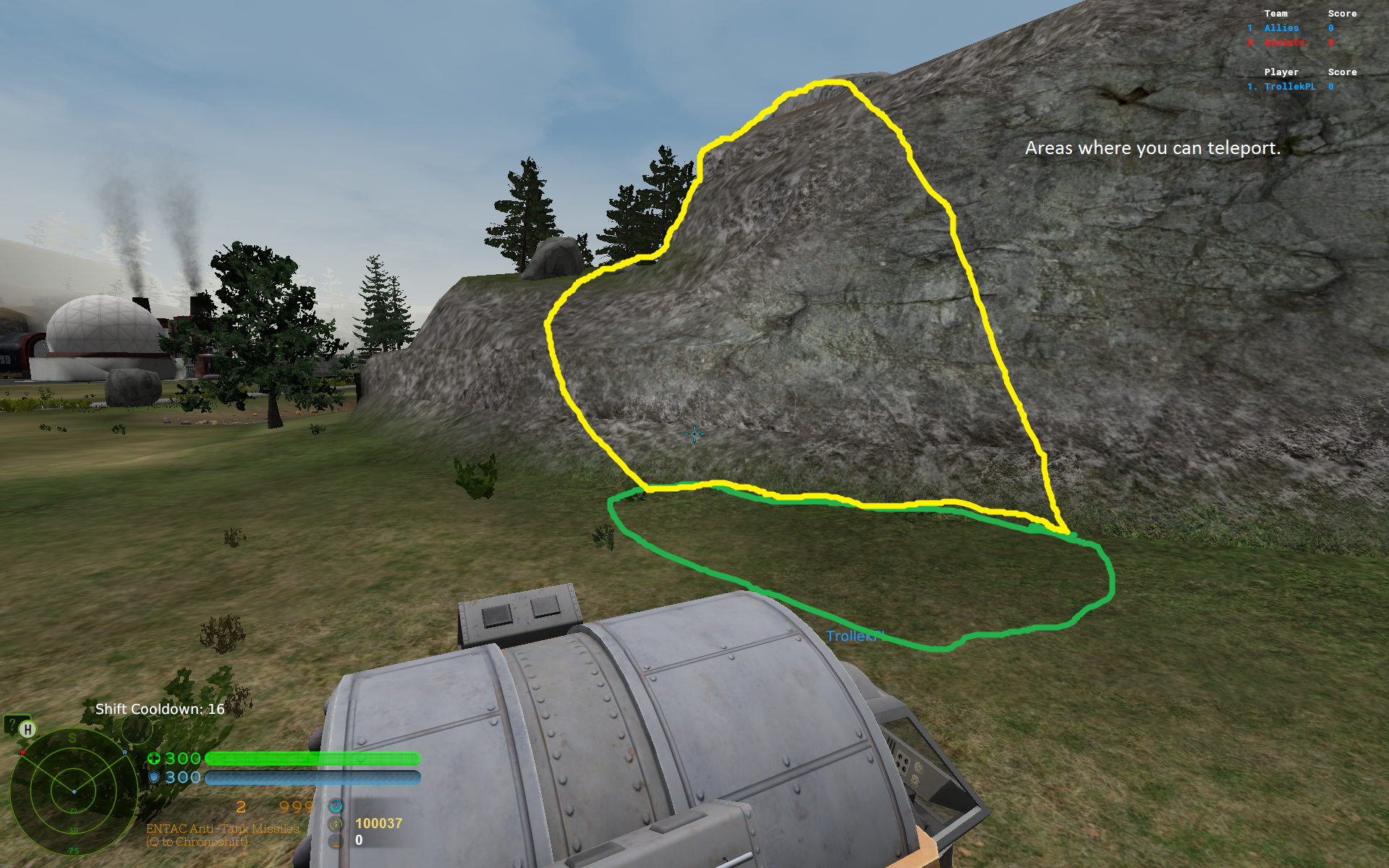
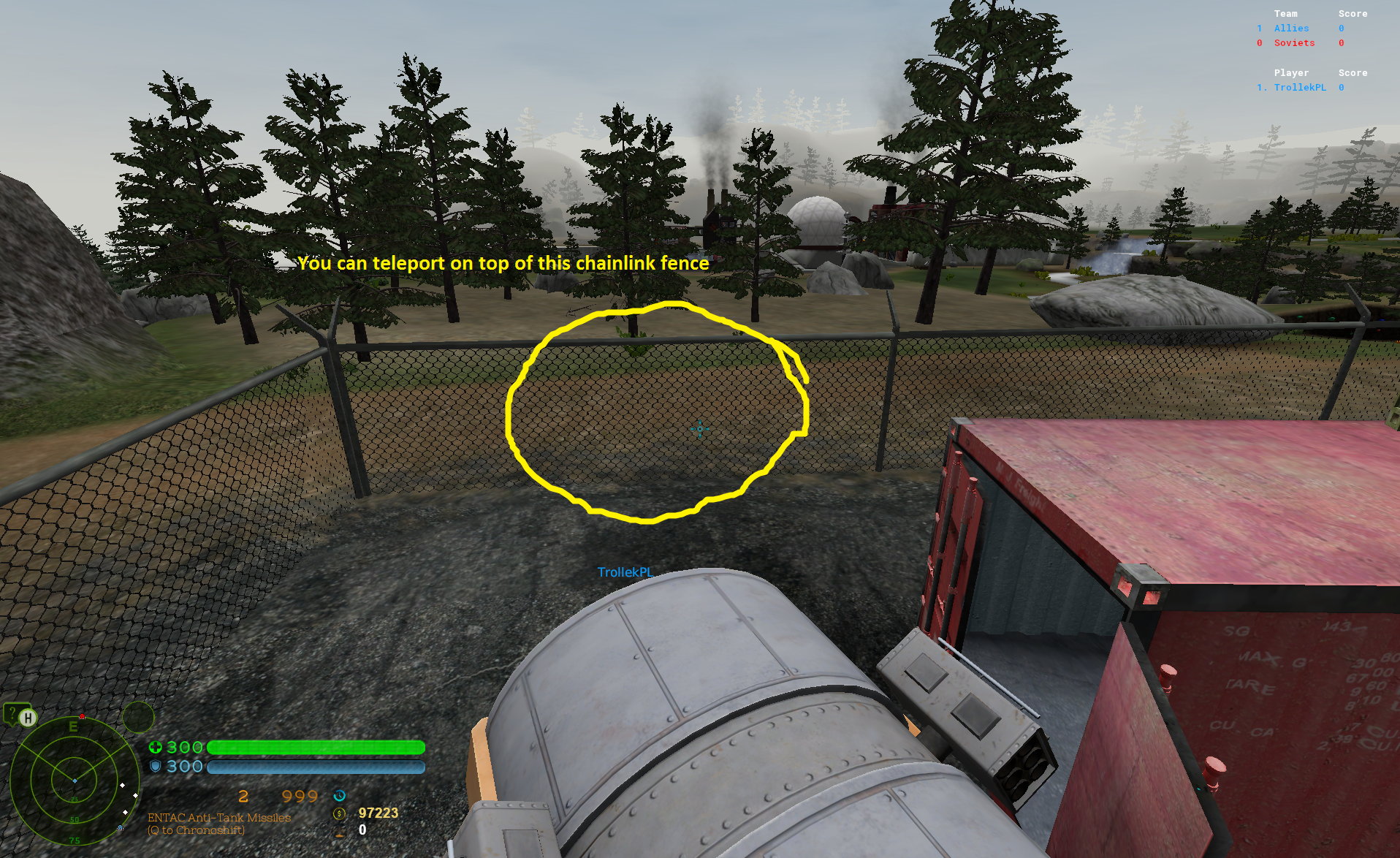
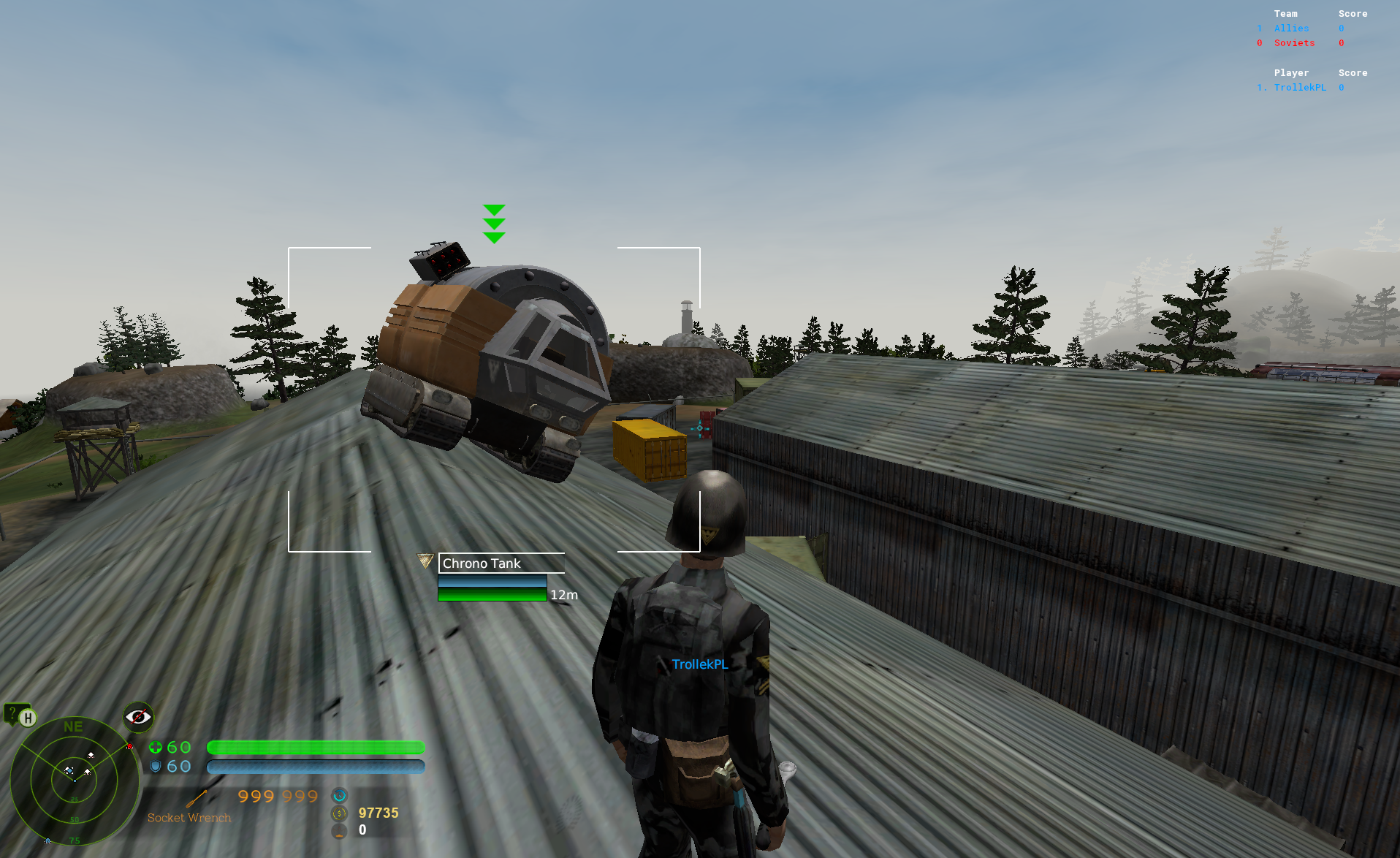
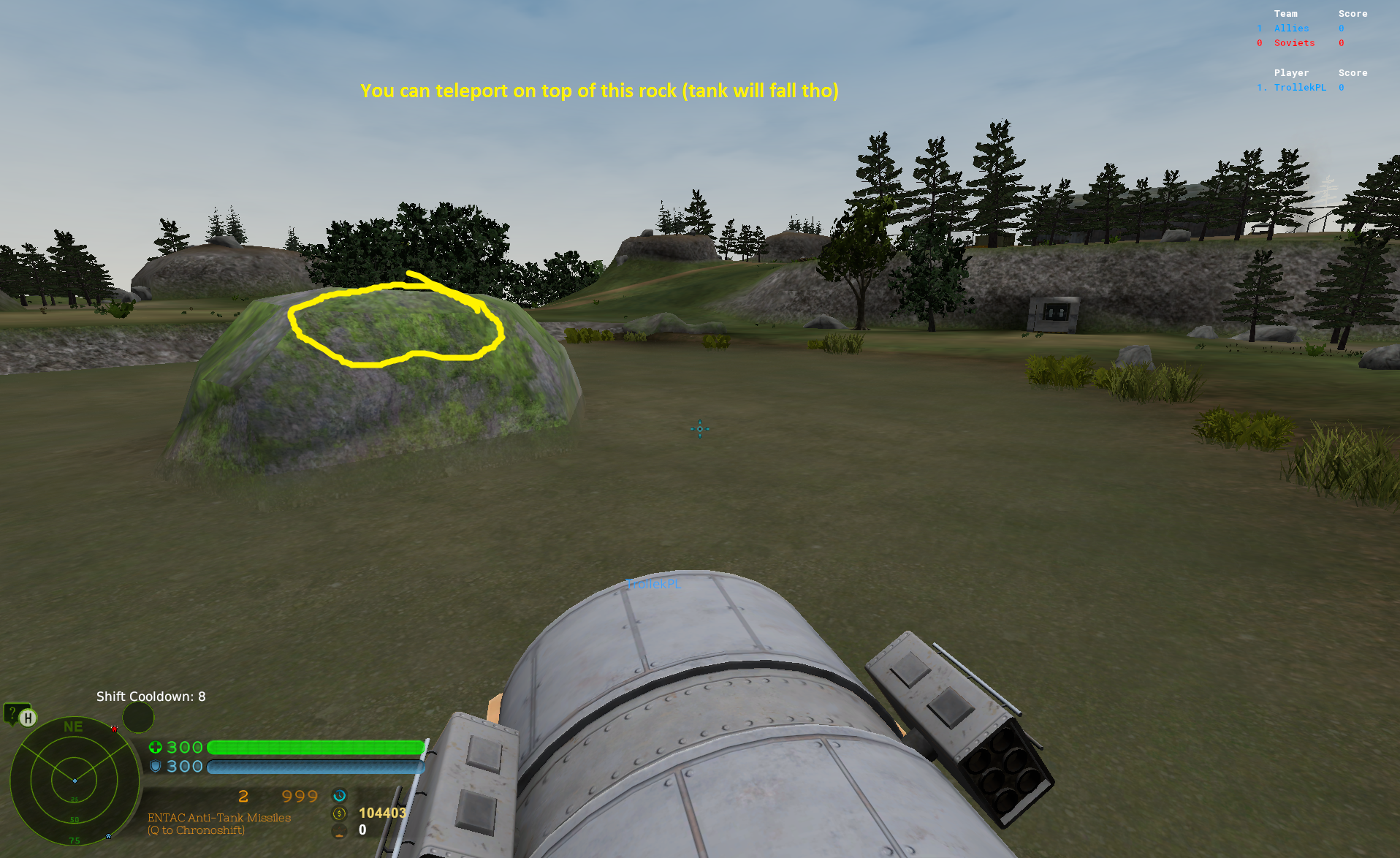
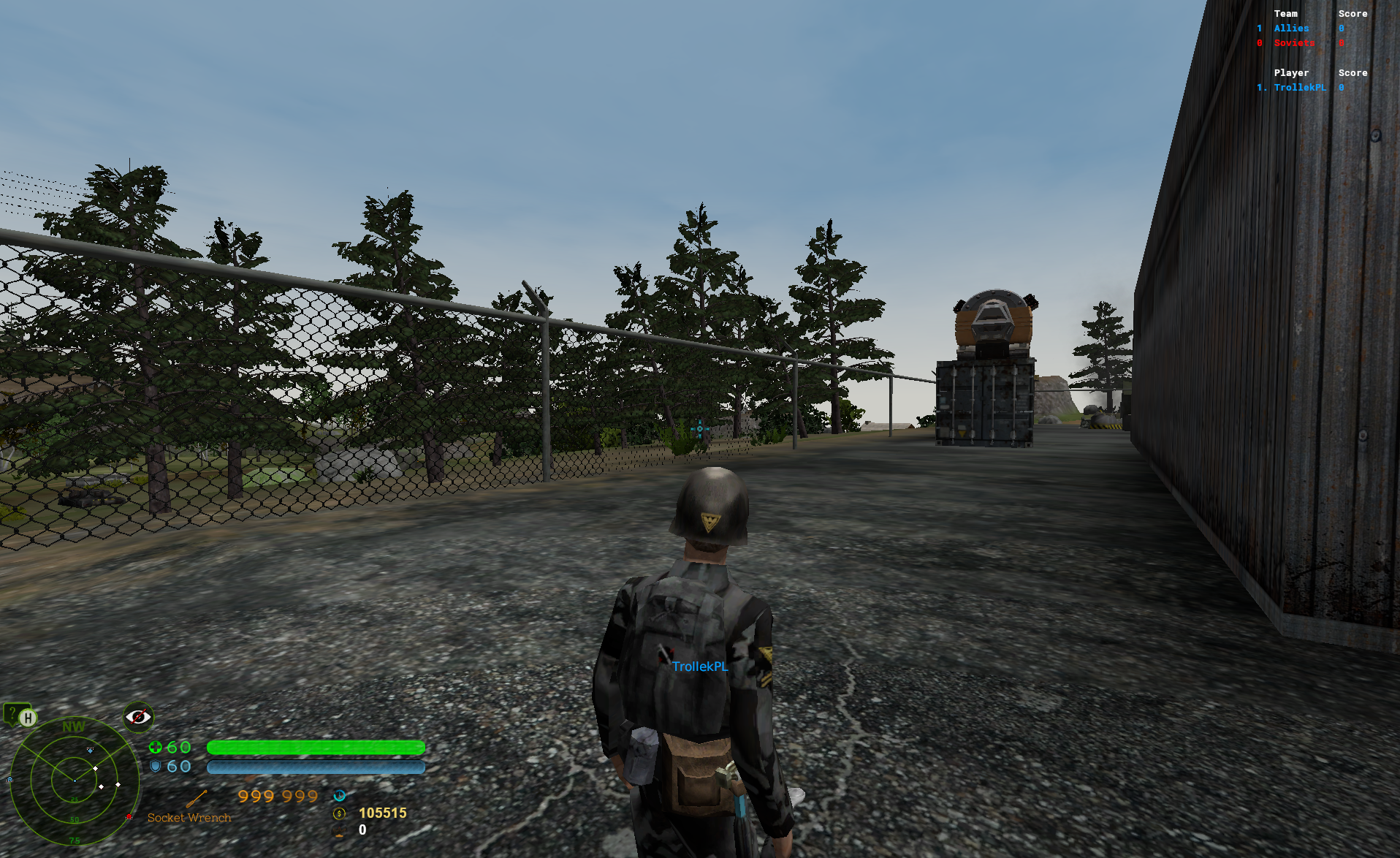
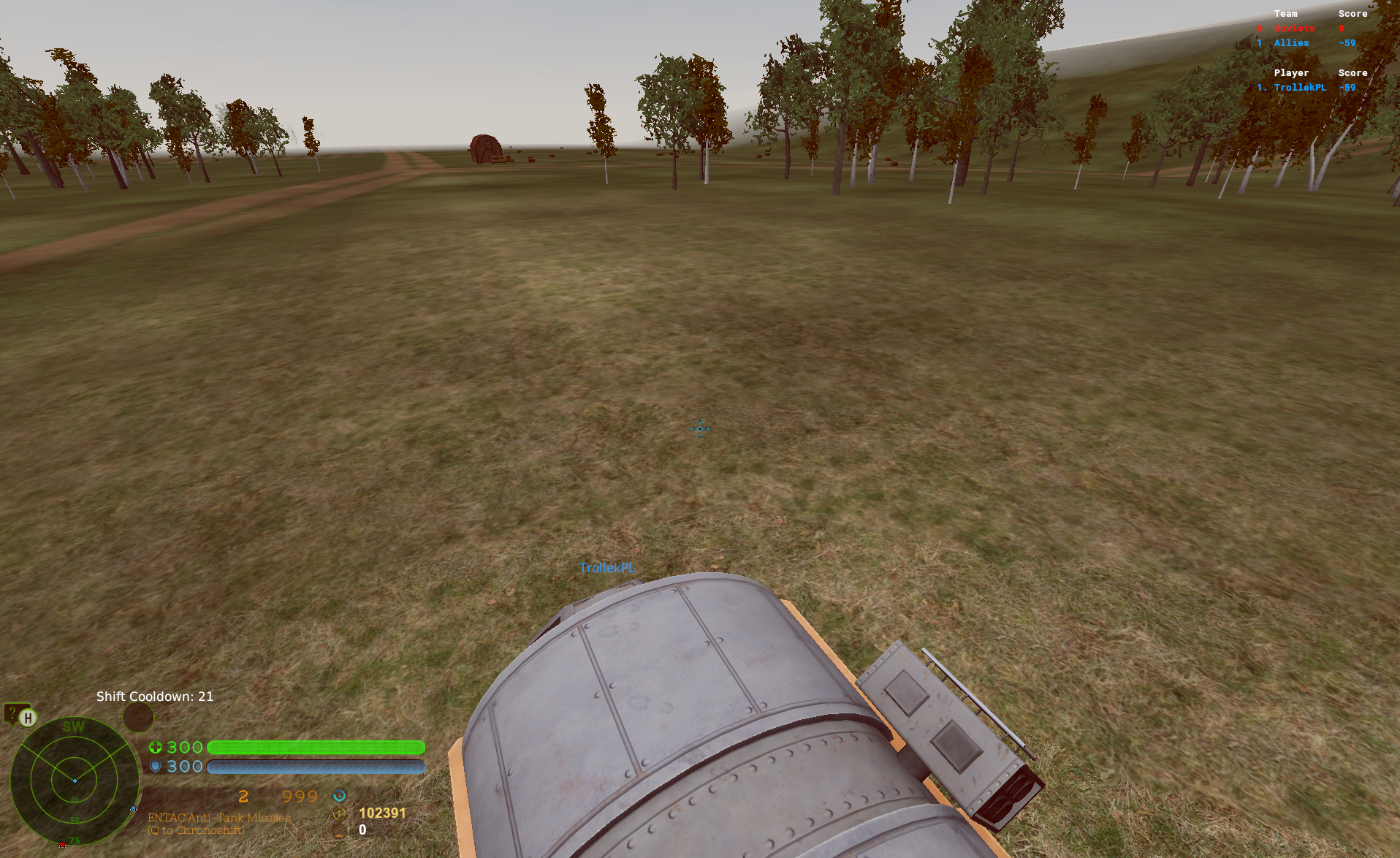
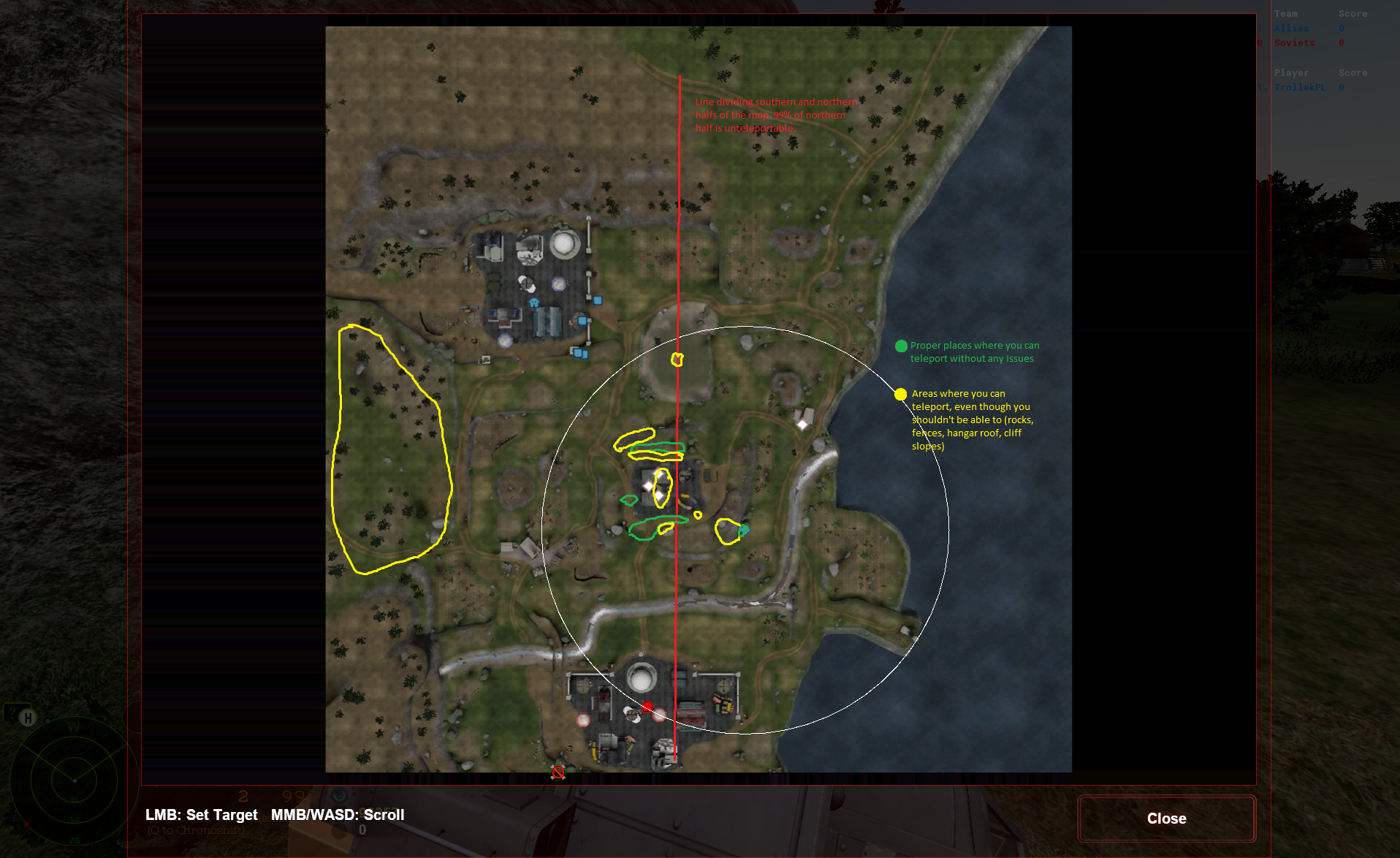
Almost entire northern half of To the Core map is blocked for chrono tanks to be teleported there, even if it's flat ground or road. There are just a few points where it is possible to teleport and two of these places are just big ass rocks, where, I think, it shouldn't be possible to teleport. You can also teleport on chainlink fence in the middle, or two garager roofs in the middle as well. Even on giant rock in swamp near Allied base entrance.

Reproduction Steps

  1. Buy chrono tank
  2. Try to teleport anywhere on northern half of the map
  3. Usually, places where you should not be able to teleport are the ones that allow you to do so


All other maps are mostly flawless in this case, however, pipeline has old map picture (showing some rocks which don't exist), but teleport mask is completely fine.


Attachments
Attachments:
User Feedback

Recommended Comments

Changed Status to Fixed

Changed Attachments to https://w3dhub.com/forum/uploads/monthly_2020_12/Screenshot_25.png.a2ba2dccae8627ebbdae27b77639e969.png,https://w3dhub.com/forum/uploads/monthly_2020_12/Screenshot_21.png.29b43d0c2229a1fff0452028e8110dc6.png,https://w3dhub.com/forum/uploads/monthly_2020_12/Screenshot_22.png.d06ee81d8f324958306a5f72ff69660d.png,https://w3dhub.com/forum/uploads/monthly_2020_12/Screenshot_24.png.a1c2966e9e2536f7b92989f16b7e7966.png,https://w3dhub.com/forum/uploads/monthly_2020_12/Screenshot_27.png.bb6a7adac8b0cde06610cba7e4580bf8.png,https://w3dhub.com/forum/uploads/monthly_2020_12/Screenshot_28.png.08dbfa6aaa44aa67be9093815545e237.png,https://w3dhub.com/forum/uploads/monthly_2020_12/Screenshot_30.png.5b5038813c030a88b1bb55c4a97cdff9.png

Join the conversation

You can post now and register later. If you have an account, sign in now to post with your account.
Note: Your post will require moderator approval before it will be visible.

Guest
Unfortunately, your content contains terms that we do not allow. Please edit your content to remove the highlighted words below.
Add a comment...

Account

Navigation

Search

Search

Configure browser push notifications

Chrome (Android)
  1. Tap the lock icon next to the address bar.
  2. Tap Permissions → Notifications.
  3. Adjust your preference.
Chrome (Desktop)
  1. Click the padlock icon in the address bar.
  2. Select Site settings.
  3. Find Notifications and adjust your preference.