



MoltenJam
Member
-
Joined
-
Last visited
Everything posted by MoltenJam
-
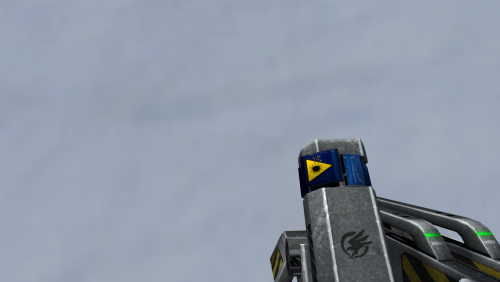 Marriage was saved thanks to this texture pack. I'll knock out a star due to Ricardo Milos bait and switch 9.5/10
- 1 review
-
1
-
Apbhuh.mp4Once their refill goes down they are literal bricks with anime sticks. Give em' the ole m202 arc and watch them scatter like roaches for cover.
 Saw a sneak peek of an autoloader for this arty. It's really Glorious. (camera fix too I believe) Replace one evil with an even greater evil. Got to ask yourself if it was worth it?
 Interim Apex Final 2020 Meme - YouTube


Account
Navigation
Search
Configure browser push notifications
Chrome (Android)
- Tap the lock icon next to the address bar.
- Tap Permissions → Notifications.
- Adjust your preference.
Chrome (Desktop)
- Click the padlock icon in the address bar.
- Select Site settings.
- Find Notifications and adjust your preference.
Safari (iOS 16.4+)
- Ensure the site is installed via Add to Home Screen.
- Open Settings App → Notifications.
- Find your app name and adjust your preference.
Safari (macOS)
- Go to Safari → Preferences.
- Click the Websites tab.
- Select Notifications in the sidebar.
- Find this website and adjust your preference.
Edge (Android)
- Tap the lock icon next to the address bar.
- Tap Permissions.
- Find Notifications and adjust your preference.
Edge (Desktop)
- Click the padlock icon in the address bar.
- Click Permissions for this site.
- Find Notifications and adjust your preference.
Firefox (Android)
- Go to Settings → Site permissions.
- Tap Notifications.
- Find this site in the list and adjust your preference.
Firefox (Desktop)
- Open Firefox Settings.
- Search for Notifications.
- Find this site in the list and adjust your preference.