Wyld
Testers
-
Joined
-
Last visited
-
-
I bet it is just as much fun to fly. I'm best orca flyer you know......... lol Appreciate the effort m8.
-
The Orca is awesome nice work!
-
Not sure if this was unique to me or why I had to do this fix to connect but I couldn't connect right after this was added. It was weird but we put a direct line in the host file to fix it. Since then been stable. Just reporting my findings.
-
Wow! changing that line from www to secure fixed it! I'm In!!!!!!!!!!!!!!!!!!!!!! My weekend is over so I can't play like I wanted but Thanks to all for the help. You are great.
-
Here is my Hosts file: # Copyright (c) 1993-2009 Microsoft Corp. # # This is a sample HOSTS file used by Microsoft TCP/IP for Windows. # # This file contains the mappings of IP addresses to host names. Each # entry should be kept on an individual line. The IP address should # be placed in the first column followed by the corresponding host name. # The IP address and the host name should be separated by at least one # space. # # Additionally, comments (such as these) may be inserted on individual # lines or following the machine name denoted by a '#' symbol. # # For example: # # 102.54.94.97 rhino.acme.com # source server # 38.25.63.10 x.acme.com # x client host # localhost name resolution is handled within DNS itself. # 127.0.0.1 localhost # ::1 localhost 176.31.21.179 www.w3dhub.com
-
I did the flush and a release and renew too.
-
Non-authoritative answer: Name: w3dhub.com Address: 176.31.21.179
-
That screen shot is the only error I get. errors.log
-
Just started doing this.

-
Very impressive and exciting!
-
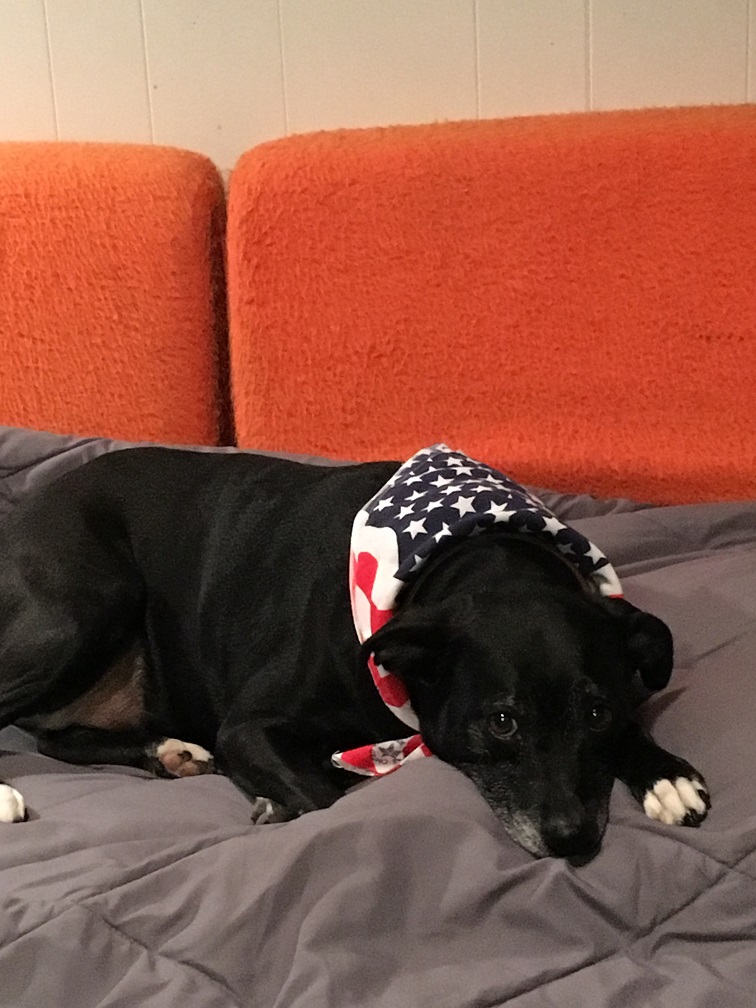
I went to 25 weeks (every Saturday for 8 hours) of training to get certified as a puppy trainer. It was a great experience learning how to condition animals to do what you want. You don't "Train". My last dog was trained to swim, go off a diving board and catch really anything. She had her own raft in the pool she laid on because she wanted to be with us. She was half Pit and half Dalmatian. Smartest and coolest dog I ever owned. My current one (below) is a half boston terrier - lab. FUN FUN. But very smart and trainable. She is on total voice command including walking in combat mode and she high fives with either paw!

-
I appreciate the trouble shooting suggestions. One of the issues was the install wiped the old files and there were no files to remove. It somehow halted or froze during installation because I have 4 Laptops and 4 Towers on a network and this installed fine on 3 other laptops so I figured I would copy over the missing files on my network. But oddly it said I didn't have permissions or the file was open. Well I know I had permission and the key word "open" here told me the PC is still trying to install even though it wasn't in my task manager to force close. So I rebooted, updated windows, renamed the old folder and installed a fresh install and we are back. No clue why it halted but solved here. Thanks for the reply. Edit: Oh Hi DanP! That could have been the issue. Thanks hope all is well with you and thanks again for all you do m8.
-
With this new release I now have this condition. My launcher showed as crashed. Tried the shortcut got a message with a red X. Downloaded a fresh version and now I get this: Thanks for any assistance.

-