


wolf
Member
-
Joined
-
Last visited
-
Sure. As long as it's free.
-
Does anyone still have service pack 3 for 3dmax? the link is broken
-
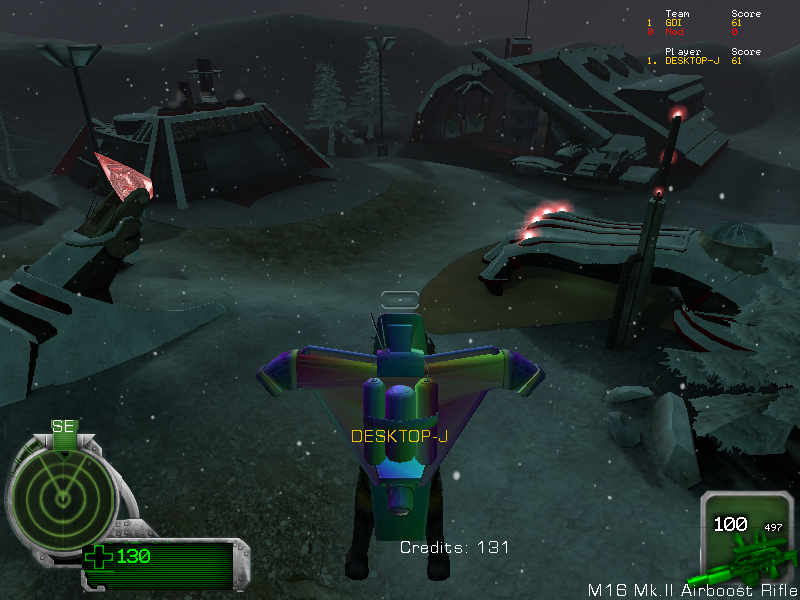
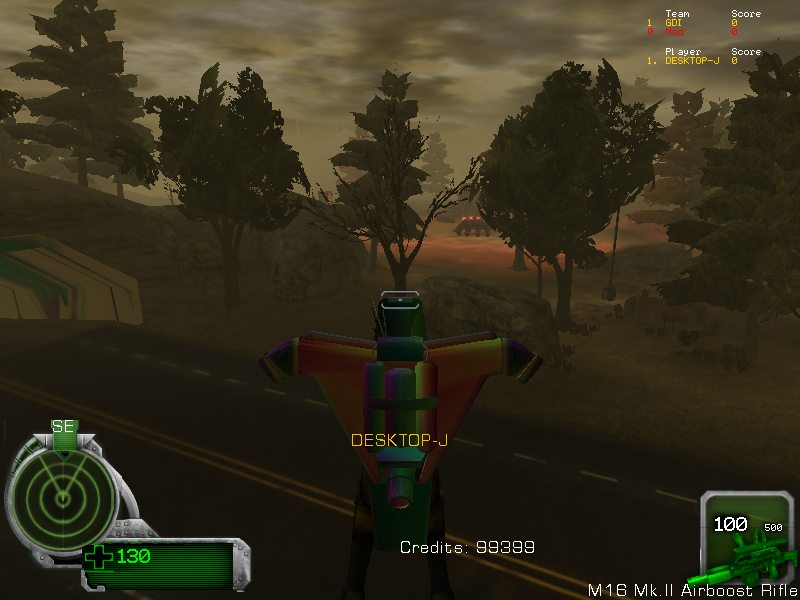
Blast from the past. The first version of Reborn back in 2005 Back when it was a PKG mod for Renegade Download Reborn.pkg Reborn.mp4
-
I believe it was a recreation of Zama. The other one is called Rockymountains. Forest fires was a different map if i remember correctly Oh yes i agree. The direction Reborn went doesn't really suit chokepoint maps. TS_Zama.mix
-
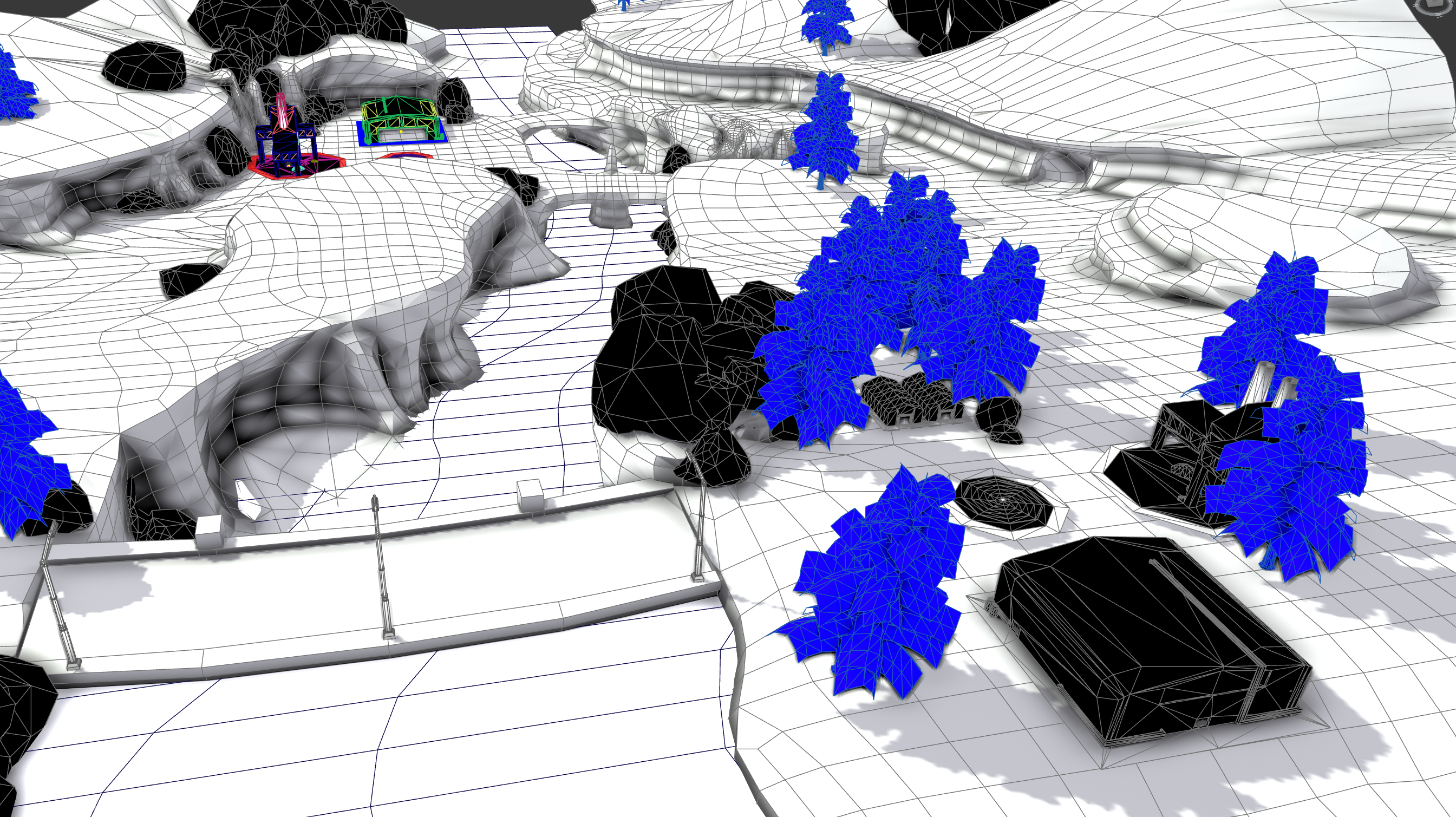
Are TSR building files and leveledit available anywhere? Just found a whole bunch of old Reborn files on an old HDD. Had so much fun working on these. Might finish up some of them.
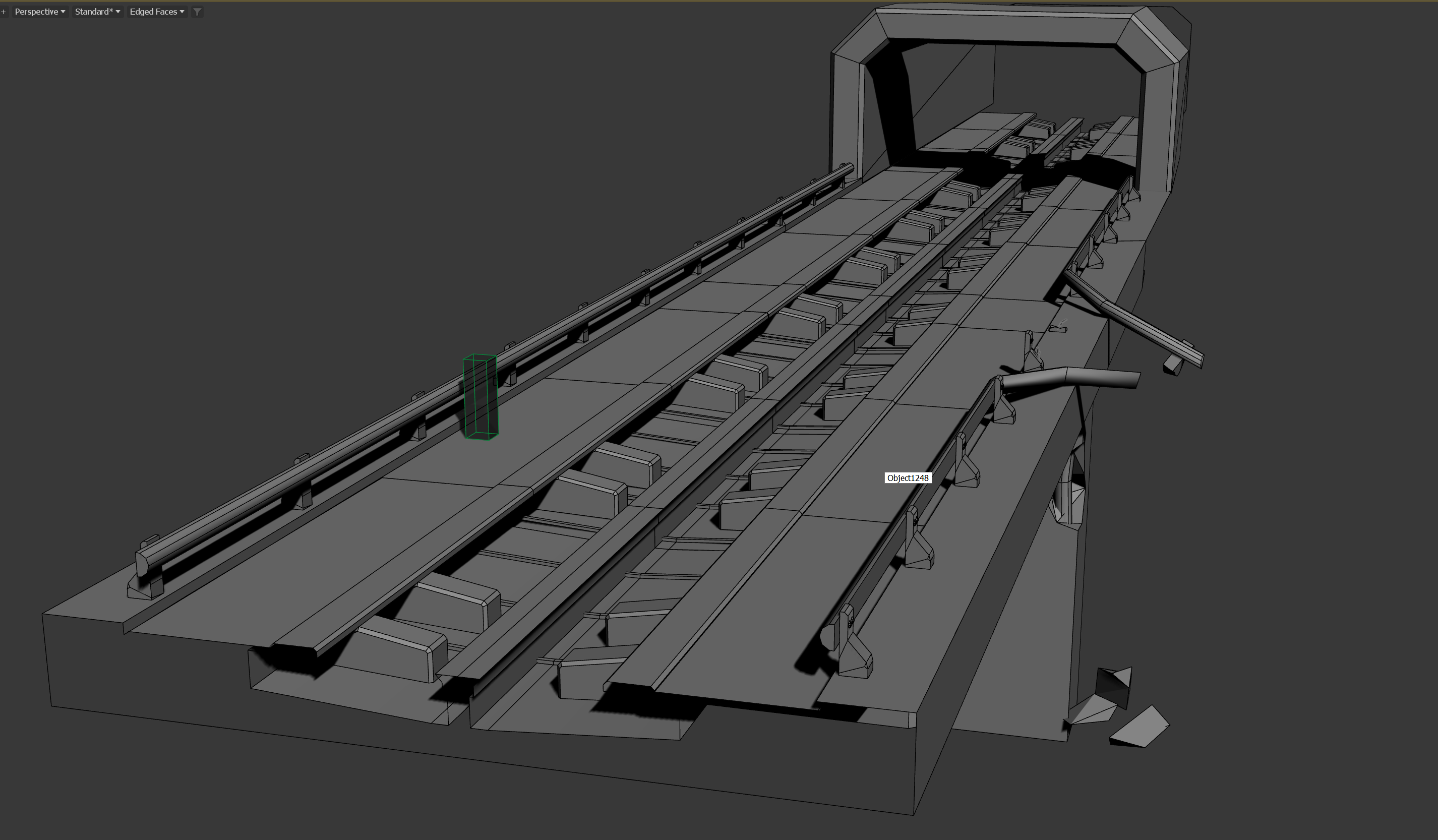
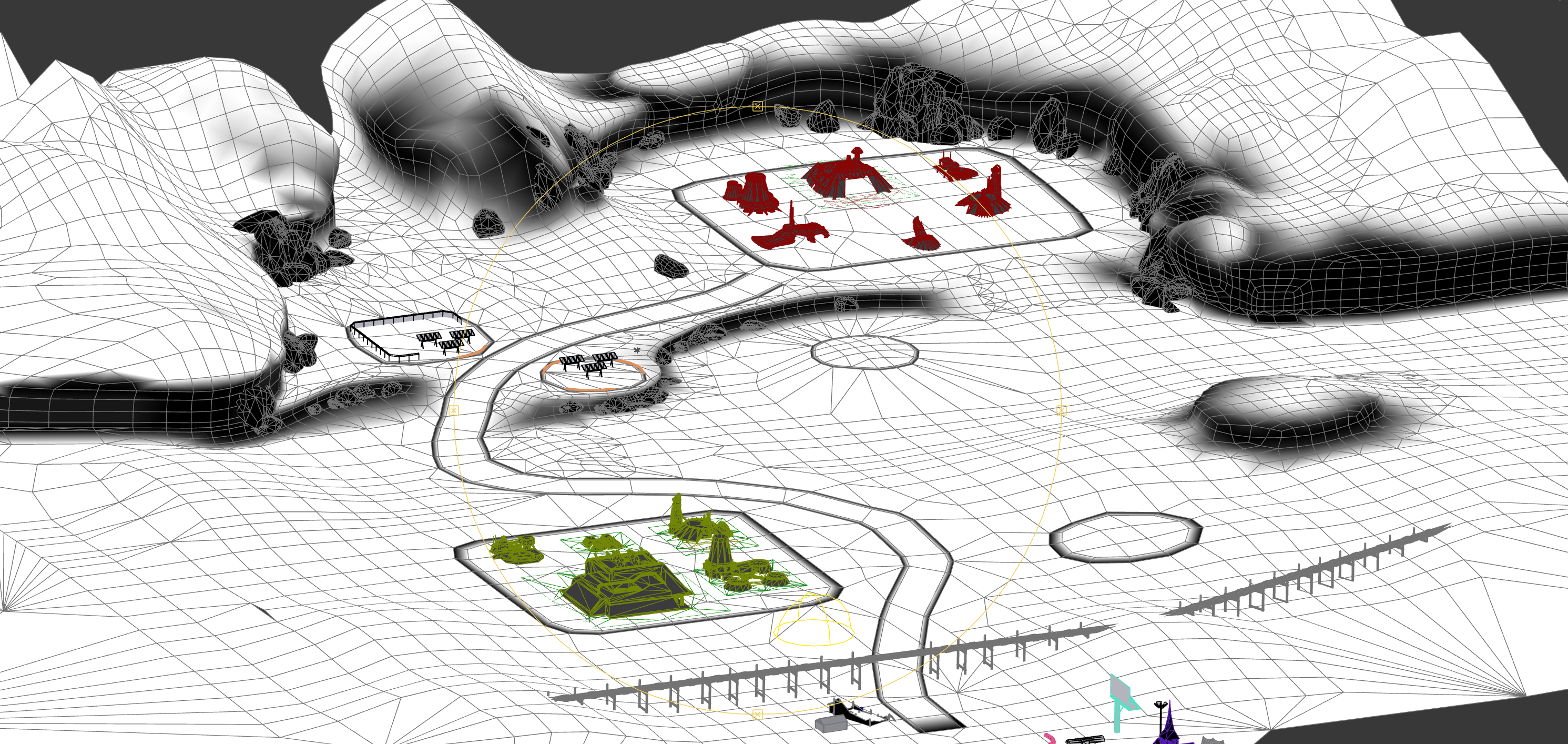
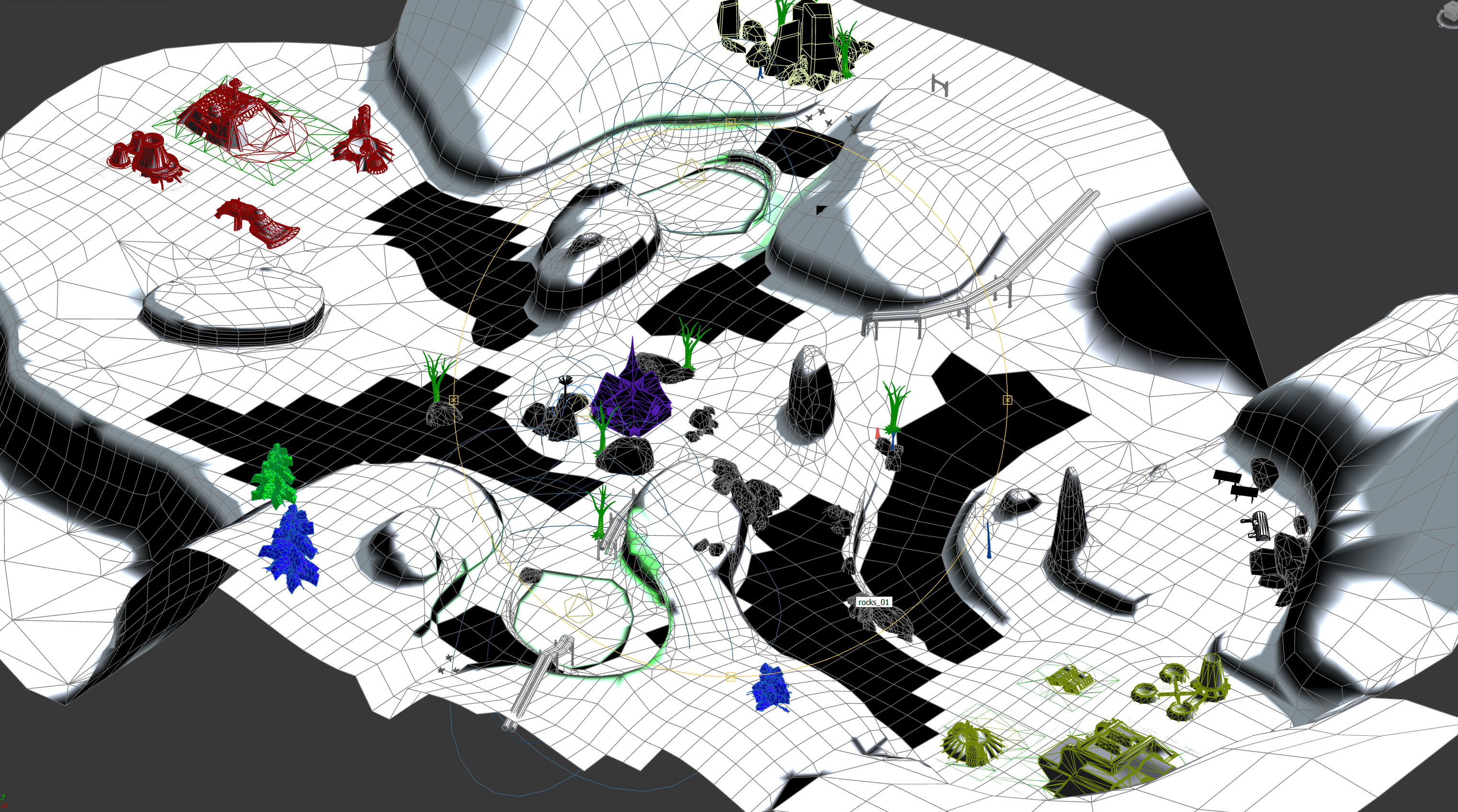
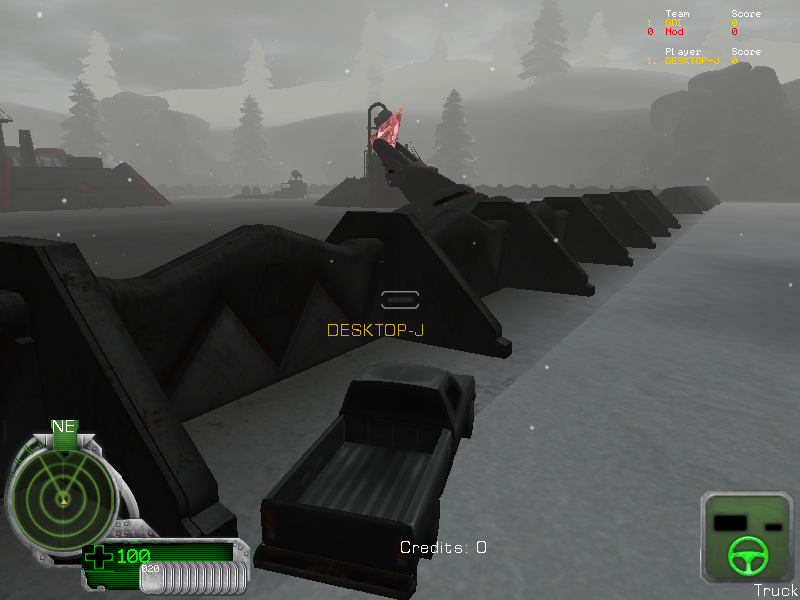
-
There's simply a lack of creative talent and not a whole lot of new content being created. Most people have moved on@ Timeaua We need a TS_Burrows remake The good ol daysI'll believe it when i see itsomeone finally uploaded the beta disc https://archive.org/details/renegade-betaHere's another one from the 2000 E3the 1999 renegade article does say so... would be nice to get one of these builds from the time before the big graphic and design overhaul took placeIts a bit short and very fuzzy, but this is an extremely early build of Renegade. Shown during the European Computer Trade Show in 1999, 10 days before Renegade was announced.
Account
Navigation
Search
Configure browser push notifications
Chrome (Android)
- Tap the lock icon next to the address bar.
- Tap Permissions → Notifications.
- Adjust your preference.
Chrome (Desktop)
- Click the padlock icon in the address bar.
- Select Site settings.
- Find Notifications and adjust your preference.
Safari (iOS 16.4+)
- Ensure the site is installed via Add to Home Screen.
- Open Settings App → Notifications.
- Find your app name and adjust your preference.
Safari (macOS)
- Go to Safari → Preferences.
- Click the Websites tab.
- Select Notifications in the sidebar.
- Find this website and adjust your preference.
Edge (Android)
- Tap the lock icon next to the address bar.
- Tap Permissions.
- Find Notifications and adjust your preference.
Edge (Desktop)
- Click the padlock icon in the address bar.
- Click Permissions for this site.
- Find Notifications and adjust your preference.
Firefox (Android)
- Go to Settings → Site permissions.
- Tap Notifications.
- Find this site in the list and adjust your preference.
Firefox (Desktop)
- Open Firefox Settings.
- Search for Notifications.
- Find this site in the list and adjust your preference.