Search the Community
Showing results for tags 'Interim Apex'.
-
until
-
until
-
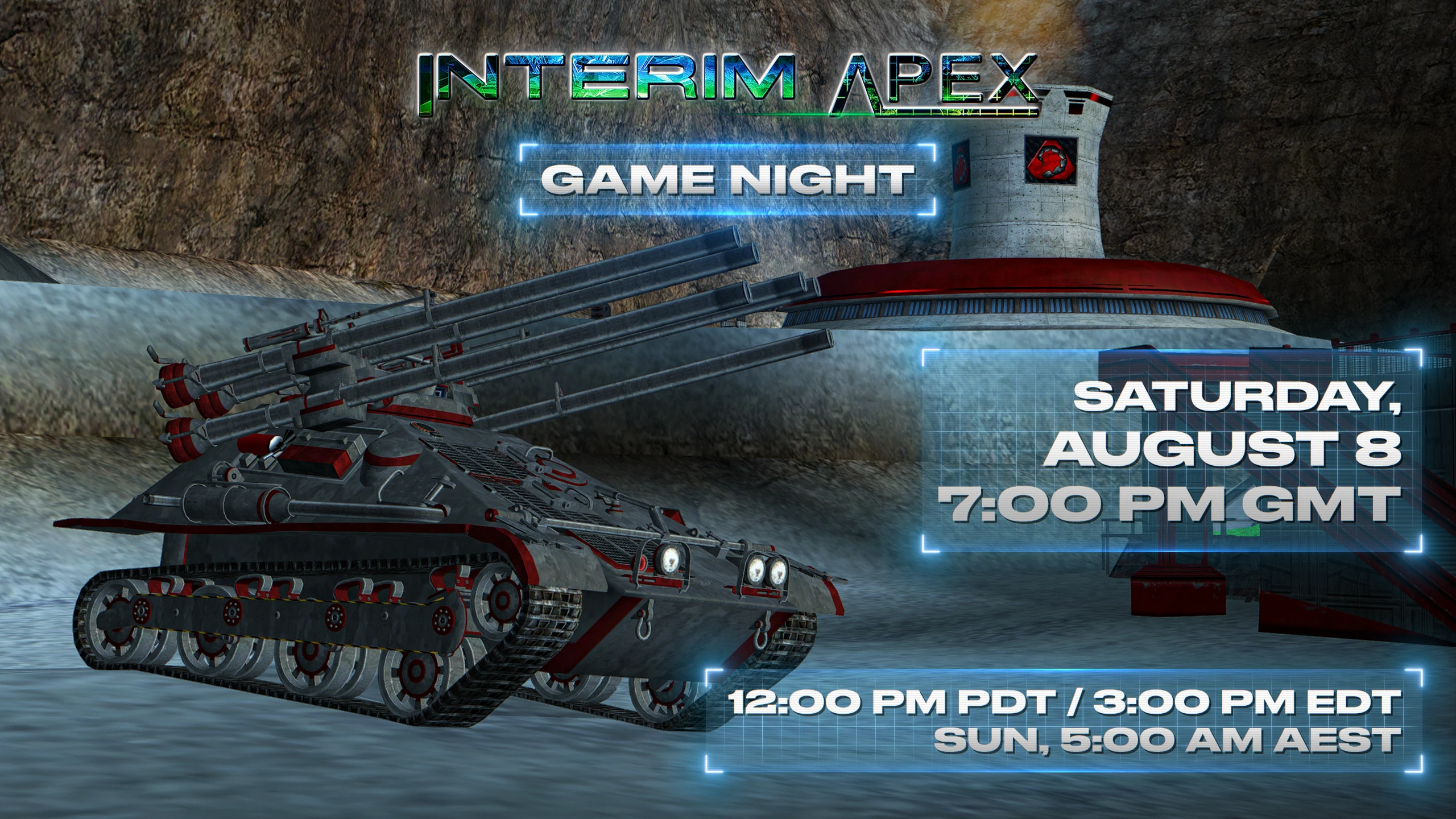
[blurb]On August 8th at 7 PM GMT[/blurb]
-
until
-
until
-
[blurb]On April 18th at 7 PM GMT[/blurb]
-
[blurb]On February 25th at 8 PM GMT[/blurb]
-
until
-
if you have recorded games you can post it here
-
-
until
-
[blurb]Check out our upcoming Game Nights for the C&C 30th Anniversary event! We have IA, AR, APB, and TSR lined up! Check the forums or our Discord for date and times.[/blurb] Check out our upcoming Game Nights for the C&C 30th Anniversary event! We have IA, AR, APB, and TSR lined up! Check the images below for the dates and times. RSVP on our Discord! Calendar link: https://w3dhub.com/forum/events/ Discord link: https://discord.gg/jMmmRa2
-
until
-
[blurb] On September 10th at 1 PM GMT [/blurb]
-
Hey, sorry if this kind of thing has been posted before, but ill keep it short, is there a way to host your own server? i want to host a private server so i can teach a friend of mine how to play (they're new to most FPS games) For a bit of context, I "hosted" a server but it never showed up in the server browser in game by going to singleplayer, connect to test server, abort, that got me to the server browser, then from there the host button, but it never showed up for them.
-
until
-
until
-
[blurb]On August 17th at 7PM GMT[/blurb]
-
until
-
until
-
[blurb]On May 11th at 7PM GMT[/blurb]
-
until
-
[blurb]On March 23rd at 7PM GMT[/blurb]
-
![More information about "Ottoman Sound Pack [NSFW]"](https://w3dhub.com/forum/uploads/monthly_2020_01/ottoman_flag.thumb.jpg.fec5ca3f8d827325c706efdd5584f6ba.jpg)
Version 1.0.0
841 downloads
A blast from the past, the Ottoman Sound Pack has returned! Created for Tiberian Sun: Reborn, this pack is also compatible with Interim Apex and base Renegade! Just extract the audio files to your chosen games data folder, and hop ingame. Now, the radio commands (issued via Ctrl/Alt + num) will properly capture the panic of battle and the atmosphere of Renegade. It's an absolute blast to play with! -
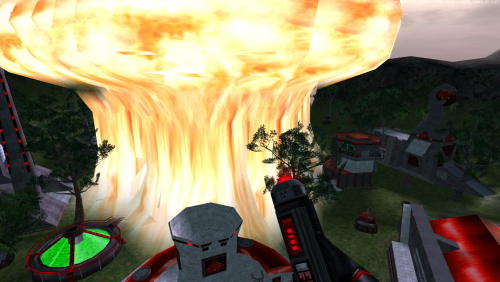
Version 2.2
6,160 downloads
IMPORTANT PLEASE READ: (INSTALLATION INSTRUCTIONS) Installing is simple if you follow these instructions. There are 2 folders.. one marked ttfs and one marked data. You're going to take the sound files from the ttfs sounds folder and drop them into your IA ttfs folder. Navigation there is as follows. ThisPC > LocalDisk C: > Program Files (x86) > W3DHub > Games > ia release > IAFiles > InterimApex > ttfs > files You're going to take the sound files from the DATA SOUNDS folder and drop them into your IA DATA folder. Navigation there is as follows. ThisPC > LocalDisk C: > Program Files (x86) > W3DHub > Games > ia release >Data When Interim Apex is updated. You will have to redownload this and install it again. This is due to the update replacing all the files over again. I apologize for the inconvenience.