Wallywood
Former Staff
-
Joined
-
Last visited
Everything posted by Wallywood
-
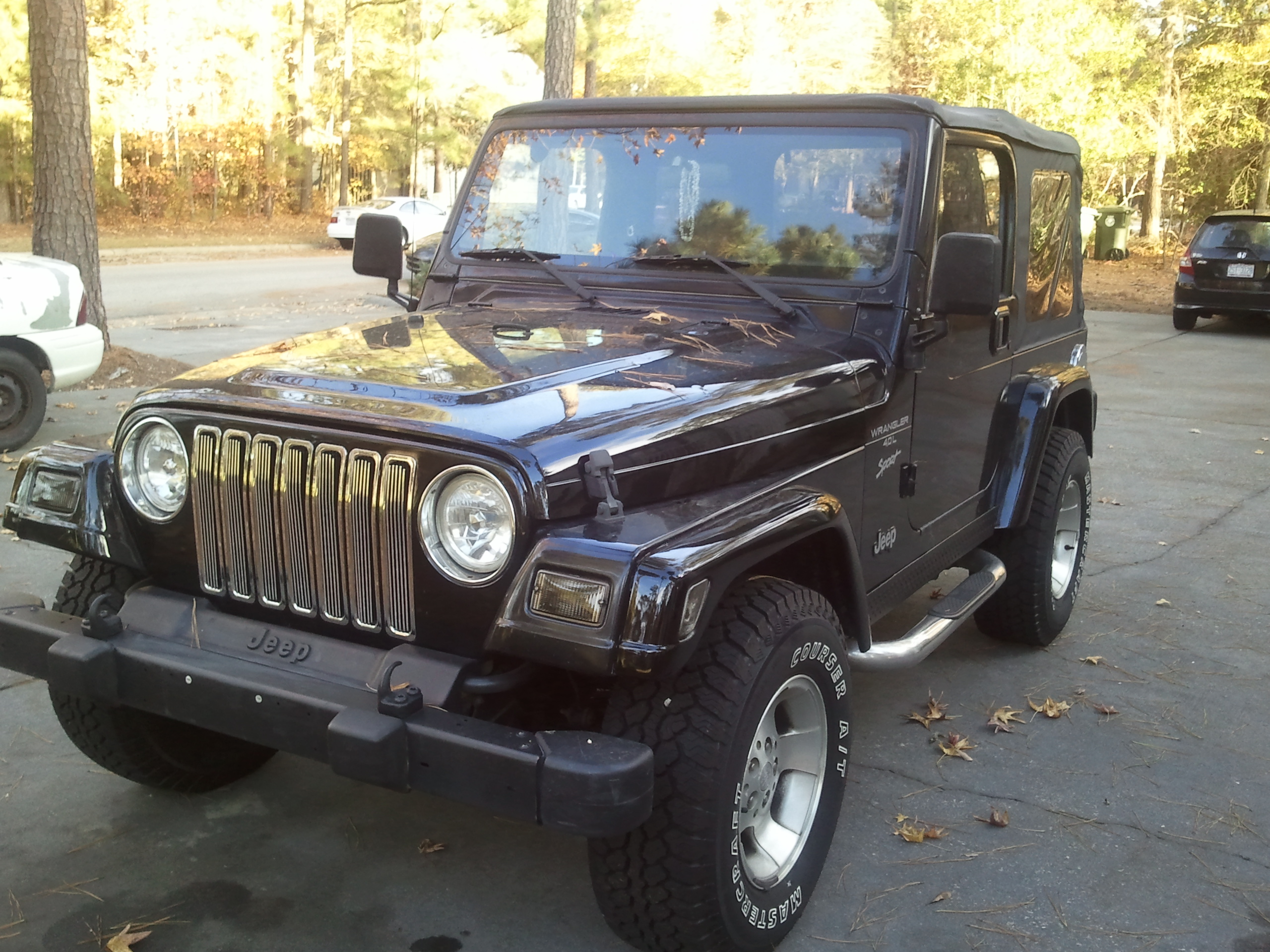
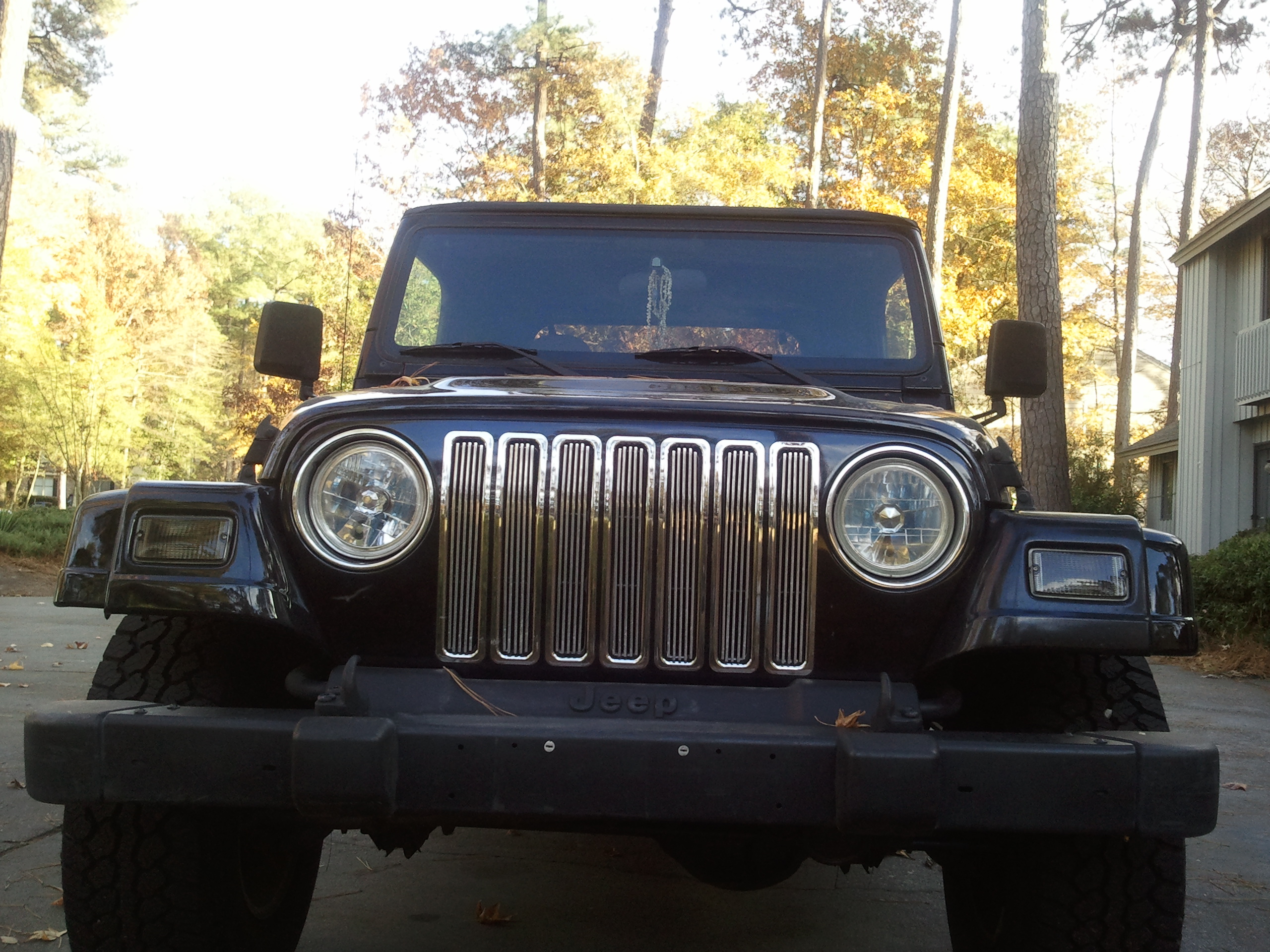
01 Jeep Wrangler (Also I'd edit out your Lic. plat number)


-
I mean it as buying your load out. That way you can have one or two different character models and you'll only have to worry about modeling the weapons and outfit add-ons.I'm not sure if this has been talked about but... If I were you I'd do load outs for this. With only 4 or 5 inf. units, you could have the players spawn as a default unit and then buy the upgrades for them. Would save a lot of time.Granted, but she makes it anyway with broken glass I wish for I didn't have to peeHey, WelcomeGranted but spring is colder i wish for cookies Granted but your mouse breaks I wish for a 1000 wishesGranted: But TS:Reborn is better I wish for a puppy Also good to see you here Gencamoyou are insinuating we had anything to do with BHP being down that is not us. Nah that's me ) It's not me saying No. Good to hear on bothIf by "true selves" you mean tired of the drama and trolls then yeah, that is our true selves BUT If you are insinuating we had anything to do with BHP being down that is not us.I'm just hoping you did get the FULL story on this and not just the stuff floating around...But glad to see you aroundSecond picture is my favorite. Looks like wallpaper man. Great work on that.I can understand that lol. None the less, good to see you around.OHHH NICE... Freebees!!!Hello, guys and well...more guys; glad to be back! For those who don't know me, I was a long time staff member for BHP and the former lead producer of TSR before Teamwolf took the reins.... Confused?... Let me explain. About a year and a half ago I led TSR to its first full public release. Shortly afterwards, I found myself dealing with a lot of personal issues in real life. Deciding I should continue my work, I brushed aside my real life problems only to find myself facing even more issues but this time from inside the BHP community. Soon I was confronted and accused of several false accusations both involving my real and gaming life. As they piled up, I did all I could to extinguish them but it seemed the harder I tried the more difficult it got. Sides began to form and friends soon became enemies. Knowing that I couldn't continue dealing with both sets of problems (and that a lot of these issue couldn't be fixed overnight), I accepted the fact that I would need to step away for a little while or risk losing the game that I poured weeks,months, years into. I passed the torch down to my co-producer TeamWolf and have since taken care of a lot of the issues. I’ve even managed to find the love of my life and can't remember the last time I was this happy. So, when OWA and TeamWolf contacted me and asked if I would like to come back help start a new community as the leader of TSR, I just couldn't say no. I'd like to take this opportunity to thank TeamWolf and danpaul88 looking after TSR so well in my absence. Can't wait to get back to work and get those patches rolling out.Icey is back!!!!!!!!!!!!!!!!That is pretty coolI'd like to see that (Pics yo)New Episode Old Episodes